
Spotify is adding group chats to the messaging service it premiered last year. In an addendum to the original blog post introducing Messages, the company announced that users can initiate chats with up to 10 of their friends to share the podcasts, playlists and songs they are listening to.
The in-app messaging feature, which was released last August, works to keep users on the app instead of navigating to another platform to share content with friends. Since its introduction, Spotify has added functionality bit by bit. Earlier this month, the company added the ability to share what you're listening to in real-time. Users can also invite chat participants to join a Jam, the app's collaborative listening tool.
Spotify isn't the only content platform trying to make in-app messaging a thing. Late last year, YouTube said it would be testing DMs, after originally adding the feature in 2017 before removing it in 2019.
This article originally appeared on Engadget at https://www.engadget.com/entertainment/streaming/spotify-has-a-group-messaging-feature-now-173734450.html?src=rss A Waymo robotaxi struck a child near a school [ 29-Jan-26 3:24pm ]
Waymo said one of its robotaxis struck a child, who sustained minor injuries. The incident took place in Santa Monica, California, on January 23. The company reported it to the National Highway Traffic Safety Administration (NHTSA), which has opened an investigation.
The agency said the incident occurred close to a school within regular drop-off hours, with other children and a crossing guard nearby. The child ran from behind a double-parked SUV into the path of a Waymo Driver. Waymo said its vehicle detected the child immediately as they emerged and that the robotaxi braked hard to lower its speed from around 17 mph to under 6 mph at the time of impact.
Waymo said the child stood up immediately and moved to the sidewalk. The company contacted emergency services and the vehicle remained stationary at the side of the road until law enforcement allowed it to leave.
The NHTSA's Office of Defects Investigation will examine whether the Waymo Driver used appropriate caution given that it was close to a school during drop-off hours and children were close by. The probe is expected to look at the intended behavior of the vehicle's automated driving systems around schools (particularly during regular pick-up and drop-off times) and Waymo's response to the incident.
On the day that the incident took place, the National Transportation Safety Board opened an investigation into Waymo over its vehicles improperly passing school buses in Austin, Texas. Last month, the company carried out a voluntary software recall (i.e. it updated its systems) after the NHTSA opened an investigation into Waymo vehicles allegedly driving past stationary school buses in both Austin and Atlanta.
This article originally appeared on Engadget at https://www.engadget.com/transportation/a-waymo-robotaxi-struck-a-child-near-a-school-152446302.html?src=rss Honda vehicles used to proactively report road safety issues in nation-first pilot [ 29-Jan-26 3:16pm ]Honda and DriveOhio have teamed up on a new road safety initiative in which Honda vehicles are being used to collect real-time data that can advise about potential issues and road deficiencies before they become a problem. Honda's Proactive Roadway Maintenance System, which has been in prototyping since 2021, uses "advanced vision and LiDAR sensors" to identify issues such as worn or obstructed road signs, damaged guardrails, rough roads and emerging potholes.
During the pilot, members of the Ohio Department of Transportation's smart mobility hub drove the test vehicles on around 3,000 miles of road in central and southeastern Ohio. They covered a mix of urban and rural environments, in varying weather conditions and at different times of the day.
ODOT operators were able to review any flagged road or infrastructure deficiencies in real time using smart dashboards developed by Honda and tech firm Parsons. The University of Cincinnati helped Honda fit the sensors to its vehicles, led the development of the damage detection feature and assisted ODOT during the pilot.
The data collected by the vehicles was processed by Edge AI models and then passed on to Honda's own cloud platform. The system then automatically generated work orders for ODOT's maintenance teams in order of priority.
While a relatively small pilot in scope, the Proactive Roadway Maintenance System performed well in the trial across a number of metrics, delivering as high as 99 percent accuracy at highlighting damaged or obstructed signs. Accuracy was 93 percent for damaged guardrails and a slightly lower 89 percent for spotting potholes.
Honda says its technology could also detect high-severity shoulder drop-offs that were easy to miss in a routine visual inspection, while the system also proved reliable at measuring road roughness. The team that worked on the project estimated that if implemented on a larger scale, the automated system could save ODOT over $4.5 million a year.
Honda and its partners are now looking at ways to scale up the prototype Proactive Roadway Maintenance System for real-world use. The manufacturer also says it aims to eventually have similar technology in the vehicles of its customers, who will be able to share their own detection data anonymously and help create safer roads.
This article originally appeared on Engadget at https://www.engadget.com/transportation/honda-vehicles-used-to-proactively-report-road-safety-issues-in-nation-first-pilot-151629967.html?src=rssApple's AirPods 4 have a ton of improvements over the previous generation, but the version with active noise cancellation takes things up a notch. With them, you can get noise-cancelling power without the in-ear design of the AirPods Pro 3 that may bother some folks.
They're even more enticing when they're on sale, like right now. The AirPods 4 with ANC are down to $119 at the moment, or $60 less than their usual price. While we've seen the ANC model as low as $99, the $119 price tag is the best deal we've seen so far this year.
Apple released its fourth-generation AirPods in late 2024 and they're still our pick for best budget AirPods on the market. We gave the ANC model an 86 in our review thanks to their effective noise canceling, better sound quality and features like adaptive audio. Overall, at $60 off, they're a great option to pick up.
Follow @EngadgetDeals on X for the latest tech deals and buying advice.
This article originally appeared on Engadget at https://www.engadget.com/deals/apples-airpods-4-with-anc-are-on-sale-for-119-153239333.html?src=rssMicroSD Express cards are still a little hard to find, considering they're pretty new and only really started becoming popular last year once the Switch 2 came out. These upgraded versions of microSD cards are the only ones compatible with the Switch 2 for expanding its storage, os if you're already starting to feel the crunch on your console, it's worth picking one up. Samsung's P9 microSD Express card is on sale right now — you can grab the 512GB version of $80, which is 33 percent off and one of the best prices we've seen.
The P9 boasts transfer speeds of up to 800MB/s, making moving games to the card that much faster. As for load times, in our testing we found that any microSD Express, the standard the Switch 2 requires, will offer roughly the same performance. This format is pretty new, so there aren't a ton of cards on the market. As such, the P9 makes our list of best microSD cards for the Nintendo Switch 2.
The P9 microSD Express is also compatible with the Steam Deck or any other gaming console that accepts the format, as well as cameras and more. If you were hoping to spend a bit less, the 256GB version of Samsung's card is on sale for $40, while this 256GB Lexar microSD Express card is on sale for $50.
Follow @EngadgetDeals on X for the latest tech deals and buying advice.
This article originally appeared on Engadget at https://www.engadget.com/deals/the-512gb-samsung-p9-microsd-express-card-is-40-off-right-now-143849385.html?src=rssGoogle has agreed to a preliminary $135 million settlement in a class action lawsuit brought by Android users who accused it of harvesting their data without consent. The suit alleged that since November 12, 2017, Google has been illegally collecting cellular data from phones purchased through carriers, even when apps were closed or location features were disabled.
As reported by Reuters, the affected users believed Google using their data for marketing and product development meant it was guilty of "conversion." In US law, conversion occurs when one party takes the property of another with "the intent to deprive them of it" or "exert property rights over it."
Subject to approval from a judge, a settlement of $135 million was filed in a San Jose federal court earlier this week. The payout would be one of, if not the largest ever in a case of this nature, according to Glen Summers, a lawyer for the plaintiffs.
Each user involved in the lawsuit would be entitled to up to $100 from Google, which denies any wrongdoing and has agreed to seek consent during the setup process of a new phone from now on. A toggle will be added to enable users to easily disable data transfer, while the Alphabet-owned company will also adjust its terms of service accordingly. A trial is scheduled for August 5.
This is the second settlement this week for Google. On January 26, the company also agreed to a $68 million settlement regarding claims that Google Assistant had been spying on users after being triggered by what it had misheard as wake words. Again, Google denied any wrongdoing in the class action suit.
This article originally appeared on Engadget at https://www.engadget.com/big-tech/google-will-pay-135-million-to-settle-illegal-data-collection-lawsuit-133012112.html?src=rssIt's the year 2026 and the hottest game in my living room is Fruit Ninja. No, I'm not in the midst of an ill-advised retro mobile gaming kick. Instead, my family and I have been jumping around and slicing flying fruit in our living room using the Nex Playground. It's a tiny gaming system built entirely around Kinect-like games. With its camera and onboard computer vision processing, the $249 Nex Playground can track up to four players as effectively as Microsoft's clunky old Xbox motion tracker. Simply put, the dream of the Kinect, as well as Nintendo's Wii, lives on in the Nex Playground.
I'll admit, I was skeptical about Nex making a dent in the console arena. It's tough for new companies with no hardware experience to steal any limelight away from entrenched competitors like Sony, Nintendo and Microsoft. But the Nex Playground's simplicity, accurate motion tracking and library of kid-friendly titles (including the likes of Peppa Pig and Bluey) has made it a hit among families. The company says it sold 650,000 units last year, which might not sound like much, but it was enough to beat the beleagured Xbox last November.
Honestly, I'm just happy it gets my kids off the couch. I do my best to limit screen time with them, but as someone who has fond memories planted in front of my TV playing endless hours of SNES games, I also leave some room for my kids to explore tech and media on their own. I love the way Minecraft's near-limitless creative potential has unleashed my daughter's imagination, but I also want her to move more, especially in these winter months when we can't easily go outside.
Even though the Nex Playground is another screen-based activity, the sheer variety of games to play keeps my kids entertained and it helps them break a sweat. The console's version of Fruit Ninja is similar to that game's VR forays, where you have to stand up and make an effort to swipe your arms. You're not just dragging your fingers across a screen. Go Keeper gamifies the role of a soccer goalkeeper, which leads to my kids jumping all over our family room to block and catch stray balls. And we all love having mini-dance parties with Starri, which has you swinging your arms and dodging obstacles, similar to VR titles like Beat Saber and Synth Riders.
In addition to those three games, the Nex Playground comes with Party Fowl, a collection of mini games, as well as its own spin on Whack-a-mole. If you want more games, you have to subscribe to the Nex Play Pass for $89 a year or $49 for three months. The company also offers a $29 Sports Pack at Target stores, which includes tennis, basketball and bowling games. Beyond those options, though, there's no other way to add new titles to the Playground. You can't buy anything individually, and since the entire platform is digital, there's also no market for cheap used games like you'd find for consoles.
Nex's subscription model is undoubtedly the Playground's biggest flaw, especially given the system's $249 price. Instead of being an expensive console that you buy once (like an Xbox), and then occasionally purchase new titles for, the Playground is an ongoing commitment constantly calling for your wallet. To the company's credit, the device doesn't feature any ads or in-app purchases.
 Nex Playground
Nex
Nex Playground
Nex
"Ultimately, we would like to establish that long-term relationship ... we want to serve your family consistently with new content, and new updates all year round," Nex CEO David Lee said in an interview on the Engadget Podcast. He noted that the company added twenty new games to its subscription over the last two years, as well as 40 game updates over the last year. Similar to Xbox's Game Pass, the goal is to maintain the Nex Play Pass's value over time.
You could argue the Nex Play Pass's steep price isn't as bad as the $15 to $30 per child that indoor activity centers charge. Those godforsaken places only distract kids for a few hours at a time, and visiting one also comes with the risk of contracting exotic childhood illnesses. Theoretically, the Nex Playground could be something you turn to whenever you need to work out restless energy from your kids. And if that means parents could get a bit more sleep on the weekend, or just a few minutes to themselves for a cup of coffee, all of a sudden $89 a year doesn't seem so bad.
I'm also impressed by the Nex Playground's hardware and software, both of which are far more polished than I'd expect from a new hardware company. The device itself is a pastel-colored plastic box with a camera on the front (and a cute lens cover). You just have to plug it into power and an HDMI port, slap some batteries in the remote (which looks like an elongated Roku remote) and connect to Wi-Fi. It took a few minutes for the Playground to update the first time I turned it on, and I also had to create a Nex account using my phone.
Once that initial setup phase was over, it took another five minutes to download the initial batch of five games to the Playground via my gigabit connection. That timing entirely depends on your internet setup — I've seen reports of it taking up to 30 minutes to install the Nex's core games. I was also able to download the entire Play Pass library of titles in 35 minutes, but it could take a few hours on slower connections. Thankfully, those downloads happen in the background, so you can play other titles while waiting for new ones to install.
Another plus? Once you've downloaded the games, you can play them entirely offline. That makes it easier to grab the Playground and bring it on vacation, or to a friend's house, than it is to travel with other consoles. As long as you can reach a TV's inputs, have nearby power and clear out around six feet of space, you can play the Playground.
 Nex Playground
Nex
Nex Playground
Nex
Nex's long experience developing motion-tracked games and experiences is a major reason why the Playground is so successful. The company previously created Homecourt, an app for tracking your basketball skills, as well as Active Arcade, a collection of Playground-like minigames for iOS devices. Lee admitted that it's tough to get parents to use their phones for things like Active Arcade. That led him to develop the Playground as a closed ecosystem, where the company could build a suite of games around a device where it could control every aspect of the hardware.
Now that Nex Playground features games from well-known kids brands like Peppa Pig, it's clear that Lee's intuition has paid off. While I have some concerns about the company's subscription model, Nex has accomplished a rare feat: It developed a simple box that makes it easy for your entire family to jump into genuinely innovative games and experiences. You don't need to set up a clunky console or any additional accessories. Just plug in the Nex Playground, and you too could be hand-slicing virtual fruit on your TV in no time.
This article originally appeared on Engadget at https://www.engadget.com/gaming/the-nex-playground-is-everything-xbox-kinect-wanted-to-be-133000397.html?src=rssAirPods Pro 3 have returned to an all-time-low price. You can pick them up for $199 right now, which is $50 off and the best discount we've seen since the earbuds came out at the end of last year.
We gave these AirPods a score of 90 out of 100 in our review and we consider them the best wireless earbuds for iPhone users. The third generation model is a substantial update to an already impressive product, bringing new features like live translation to the table.
The AirPods Pro 3 also offer heart-rate tracking, allowing them to stream live data to Apple Fitness and other third-party workout apps. This lets you track your fitness and close activity rings similarly to when using an Apple Watch.
Apple also improved the sound quality of this generation thanks in large part to a redesigned acoustic architecture that improves how air is delivered into the ear canal. Additionally, the company changed the angle of the drivers to help more sound get where it needs to go instead of bouncing off the sides of your ear. We felt the jump in audio quality from the last generation to this one was substantial.
The ANC on the AirPods Pro 3 has also been improved. Apple claims this model filters out twice as much noise as the AirPods Pro 2 and four times as much as the original AirPods Pro. We found the noise cancellation to be top-notch.
Live Translation is as neat as it sounds, leveraging the AirPods' noise cancellation tech, Apple's AI and beam-forming mics to help you understand a speaker in a different language. Right now, this is limited to a handful of languages with more being added over time.
It's not often you see one of Apple's best and most recent products on sale for 20 percent off, so if you're in the market for an upgrade or your first set of AirPods, consider taking advantage of this deal. If you're looking to spend a little less, the AirPods 4 with ANC are on sale right now, too, for $119.
Follow @EngadgetDeals on X for the latest tech deals and buying advice.
This article originally appeared on Engadget at https://www.engadget.com/deals/pick-up-airpods-pro-3-while-theyre-down-to-199-right-now-140752986.html?src=rssBrandon Sanderson, a popular author of high-fantasy and science fiction books, has signed a deal with Apple TV to adapt his works set in the Cosmere fictional universe into films and TV shows. Sanderson said last year at Celsius 232, Spain's annual sci-fi and fantasy convention, that his ultimate dream project is a "really good Mistborn film." Apple TV is making that come true: Some of the first projects to come out of the deal are feature film adaptations of the Mistborn books and a TV show based on series.
According to The Hollywood Reporter, Sanderson's deal with the streaming service is unprecedented, because he will have major creative control over the adaptations. He will write, produce and consult for the projects under development, and he will have the power to sign off on various aspects of the adaptations. That's a level of control other famous authors such as George R. R. Martin don't enjoy. In fact, Martin recently talked about how House of the Dragon's showrunner, Ryan Condal, has stopped taking his notes and suggestions into account.
Sanderson's Cosmere universe encompasses dozens of books set in various but interconnected worlds and timelines. They're all bound by a single creation myth, which explains where the universe's different types of magic come from. Apple TV has yet to announce timelines and release dates for the projects based on Sanderson's work, but The Stormlight Archive TV adaptation already has a producer (Blue Marble) attached to it.
This article originally appeared on Engadget at https://www.engadget.com/entertainment/streaming/apple-tv-signs-tv-and-movie-deal-for-brandon-sandersons-fantasy-books-130000797.html?src=rssVirtual private networks (VPNs) have been household technology for a while now, but there's still a lot of uncertainty around them. This is partly due to the fact that they can conceal online activity that local or national governments deem illegal — up to and including, say, circumventing ID checks for age verification. Consumers aren't helped by the sheer amount of duds sold in app stores right next to the best VPNs, especially when they're purposefully exploiting moments that have people rushing to shore up their online anonymity. If you've almost decided to start using a VPN, you may be wondering if the services you're looking at are actually safe.
Unfortunately, the answer is a hard "it depends." VPNs are technology that can work well or poorly, just like they can be used for good or evil. There's nothing intrinsically dangerous about using a VPN — whether or not one is safe comes down to who built it and how they're running it. The good news is that there are easy ways to tell whether you're using one of the good ones.
The question "Are VPNs really safe?" can also mean something else — "Is using a VPN enough to keep me safe online?" I'll get into that too, but to spoil the ending: VPNs are important security tools, but they aren't enough to protect against all digital threats by themselves. Also, to be clear, I'm talking here about commercial VPNs like Proton VPN and ExpressVPN, not commercial VPNs like NordLayer or Cisco AnyConnect.
What makes a VPN unsafe?There are two main things that can make me call a VPN unsafe: negligence and malice. A negligent VPN doesn't protect against the dangers it's supposed to ward off, leaving you more exposed than if you weren't using a VPN at all. A malicious VPN is designed to make you less safe so the people behind it can profit.
Some ways a negligent VPN might endanger its users:
Using outdated protocols with cracked encryption, like PPTP, or homebrewed protocols with insufficient security. A weakly secured protocol might expose your search activity.
Allowing leaks by using public DNS servers rather than setting up their own system to resolve requests. This risks revealing what websites the VPN's users are visiting.
Leaking the user's real location by failing to block or properly manage IPv6.
Leaving its servers in the hands of unvetted third parties, who might let them get hacked.
Failing to include a kill switch, which puts users at risk of connecting to false servers.
Some ways a VPN can be malicious:
Making its money from in-app ads, especially if those ads contain trackers.
Harvesting the user's residential IP address and selling it as a proxy.
Tracking the user's activity and selling it to advertisers.
Planting malware on the user's device.
I want to stress again that none of these risks are inherent to how a VPN works. VPNs aren't required to be dangerous in any way. There are plenty of good ones, which makes it all the more important to pick the bad ones out of the lineup. In the next section, I'll discuss how to do that.
How to tell if a VPN is safeThe process of checking up on a VPN starts before you buy it. Before you consider downloading any VPN app, do your research and learn as much as you can. Read review sites like Engadget, but also try to get reports from regular users on social media and app stores. Be suspicious of five-star reviews that are light on specifics — the more positive reviews from actual users, the better.
While researching, look for any cases in which the VPN failed in its mission to protect customers. Did it ever turn information over to police, despite having a no-logs policy? Were any of its servers ever breached by hackers in ways that put other users in danger? Is it cagey about key information, like where it's based or who its parent company is?
You can also close-read the VPN's privacy policy, like I do in my VPN reviews. A privacy policy is a legal document that can invite lawsuits if the provider ignores it outright, so most companies prefer to plant vague loopholes instead. Read the policy and decide for yourself if it makes any unacceptable exceptions to "no logs ever."
If the answer to all those questions is no, your next step is to download the VPN and test it. Every worthwhile VPN has a guaranteed refund within a certain period, so you can use that time to test the factors below. If you like the results, you can subscribe for longer; if not, you can cancel and get your money back. Here's what to look for during the refund period:
Check which VPN protocols are available. The best expert-verified protocols are OpenVPN, IKEv2 and WireGuard. If the VPN uses a protocol other than these three, make sure it's using an unbreakable encryption cipher like AES-256 or ChaCha20.
Test for leaks. You can run a simple leak test using a website like ipleak.net or whatismyipaddress.com. Just check your normal IP address, connect to a VPN server, then check again. If the IP address you see is the same as before, the VPN is leaking.
Find the kill switch. A kill switch prevents you from accessing the internet while you're not connected to its associated VPN. This is critical to prevent certain types of hack that rely on fake servers to work. Most top VPNs have a kill switch or a similar feature with a different name (such as Windscribe's Firewall).
See if the apps are open-source. A VPN making its services available for viewing on Github states powerfully that it has nothing to hide. Anonymity is an inalienable right for individuals, but VPN apps aren't people — the more transparent the code, the better.
Test its other security features. If the VPN has a blocker for ads, malware or trackers, see if it prevents banner ads from loading. Try connecting to a test malware site like www.ianfette.org or httpforever.com and check if the VPN blocks it.
There's one more factor that generally denotes a safe VPN: paid subscriptions. I'm not going to claim that all free VPNs are dangerous, but if a service claims to be always free with no need whatsoever to pay, you have to ask how it makes money. VPNs that don't charge for subscriptions usually turn their users into the product, selling their data to advertisers or for use as residential proxies.
Is a VPN enough to keep you safe online?Another way in which VPNs aren't totally safe is that they aren't, by themselves, a total solution for cybersecurity. A VPN does one specific task: it replaces your IP address with an anonymous server and encrypts communication with that server so your real device can't be seen. This means you won't reveal your identity or location in the normal course of using the internet.
However, if you reveal information another way, then all bets are off. If you click a sketchy link that downloads malware onto your computer, that malware doesn't care that your IP address is concealed — it's already where it needs to be. Similarly, if you leak critical information in a social post, or privately give it up to a phishing scammer, a VPN won't help.
I put together a list of 12 cybersecurity habits that'll keep you safe from nearly all threats online. Getting a VPN is one of them, but there are 11 others, including strengthening your passwords, immediately installing updates and conditioning yourself to spot social engineering hacks. Don't fall into the trap of thinking you're untouchable just because you use a VPN.
The safest VPNsIt can be a lot of work to figure out whether a VPN is safe and trustworthy. If you just want to pick one you can use without having to open a federal case, check out my best VPN roundup or best free VPN list — or just use one of the suggestions in this section.
Proton VPN, my favorite VPN, is majority-owned by the nonprofit Proton foundation, has open-sourced its entire product family and has never suffered a serious hack or breach. Despite some controversy around its parent company, ExpressVPN remains secure; its servers have been confiscated at least once and found to hold no information.
NordVPN suffered a hack in 2018 and learned the right lessons from it, doubling down on security at its server locations. Similarly, Surfshark was criticized for using a weak authentication method and deprecated it entirely in 2022. Often, a VPN responding correctly to a security breach looks better than one which has never been attacked at all — sometimes strength can only be known in adversity.
This article originally appeared on Engadget at https://www.engadget.com/cybersecurity/vpn/are-vpns-really-safe-the-security-factors-to-consider-before-using-one-130000539.html?src=rssDJI just revealed the RS 5 camera gimbal, a new entry in its long-standing Ronan Series. The RS 5 is lightweight, at around three pounds, with a maximum payload of nearly seven pounds.
This gimbal offers what DJI calls "enhanced intelligent subject tracking." The tracking was already impressive with some of the company's older offerings, so any improvement will be icing on the cake. A new tracking module lets videographers frame live footage and follow subjects directly from an included touchscreen, all without having to fiddle with the actual camera.
The tracking module also offers the ability to follow more than people. It can track pets, vehicles or just about any other object. It can also help maintain a locked focus on a human subject up to 10 meters away.
The RS 5 includes the company's latest stabilization algorithm, which DJI says lets videographers "effortlessly achieve complicated camera movements, such as surround shots, reverse tracking or single-person fixed-camera tracking." It's also great for when the cameraperson is capturing footage while walking or running.
It's been designed to carry a wide range of mainstream mirrorless cameras and lens combinations and can switch to vertical shooting without additional accessories. There's a nifty little briefcase handle for capturing footage from above or below.
The RS 5 delivers up to 14 hours of use per charge and can be fully charged in just an hour. Video shoots can take forever, so this is a welcome bit of news. For true marathons, there's a separate enhanced battery grip accessory that extends the runtime to 30 hours.
The standard DJI RS 5 includes the gimbal, a quick-open tripod, quick-release plates, a regular battery grip and some other useful accessories. That pack costs around $680. The combo pack includes all of the above, plus the enhanced tracking module, a carrying case and an electronic briefcase handle. That costs around $859.
Now for the bad news. We don't have a US release date or even any information as to if it will be available here. Engadget has reached out to DJI for more information. The company's drones were recently banned from being imported to the US. This only impacts newly-released models and shouldn't impact gimbals or anything like that.
This article originally appeared on Engadget at https://www.engadget.com/cameras/dji-launches-the-lightweight-rs-5-camera-gimbal-for-video-creators-120056173.html?src=rssColor is the buzziest feature in ereaders right now, but is it necessary? It makes the covers more fun, and readers of comics and graphic novels will appreciate the added hues (though they may be happier with an E Ink tablet for better image detail). Color is just one factor to consider when picking out the best ereader. The lights, screen quality, housing and buttons make a difference too. Then there's the software: Do you want to stay in the Kindle ecosystem or get a device that can handle lots of apps? We tested more than a dozen ereaders to come up with our recommendations. This guide also points out ways to get the most out of your new e-book companion once you pick your favorite.
Best ebook readers for 2026
What to look for in an ereader
Plenty of apps, including the Kindle app, will let you download and read digital books on an iPhone, Android Phone or tablet. But what makes ebook readers different is the screen: nearly all of them use technology from a company called E Ink. It manufactures electronic paper displays (EPD) composed of three sheets: one containing millions of microcapsules filled with black and white ink particles sandwiched between transparent electrode layers. When a charge is applied, either the black or white particles shift to the top, forming letters and the whitespace around them.
Color ereaders add a color filter array on top of the standard black and white microcapsule layer. The result is two different resolutions on one screen — the color clarity is 150 dpi while black and white images and text are still 300 dpi.
Because these displays are so different from standard backlight LED panels, you can expect most good ereaders to do a number of things well. They'll be easier to stare at for long periods of time and easier to read in direct sunlight. Also, since E Ink displays only require power to rearrange the ink, these devices have much longer battery lives than even the best tablets: we're talking weeks on a single charge, not days.
The ereader market is not as saturated as, say, the smartphone market, but there are still plenty of options out there and they do have small but important differences among them. They tend to range from around $100 to more than $400, though usually the higher end options are stylus-enabled read/write E Ink tablets like the Kindle Scribe. Beyond price, you should consider physical properties like buttons, lights, storage and resolution, as well as how the software lets you find and access books.
Reading featuresWith any ereader, you'll navigate the OS via taps and swipes, and some add physical page-turn buttons. Most with built-in buttons have an auto-rotating screen so you can press with your right or left hand.
As E Ink technology has advanced, resolution has greatly improved - even the budget Kindle ereader has a 300 ppi display. You can still find models with lower resolution, but we don't recommend them.
Some ereaders have front LEDs that support light temperature adjustment. That means you can switch to a warmer light after the sun goes down, which will feel easier on the eyes. If you're concerned about blue light, you should go for a reader with that feature. Finally, dark mode is available on most later model ereaders, allowing you to invert the black and white text and background, which some people find easier to read in low-light settings.
Other featuresThe capabilities of these pocket libraries have advanced considerably since the early days. In addition to storing books, some let you browse the web, run apps and play music. The screen's frame rate can't handle gaming, but it's good enough to show you the Wikipedia entry for Striver's Row while you read Crook Manifesto.
If you listen to audiobooks, you may want a Bluetooth-enabled ereader capable of playing them. Most of the models we tested have that ability, with the notable exception of the Nook ereader we tried. Keep in mind that audiobook files can take up more space than print files so you'll probably want a device with a higher storage capacity if you plan on doing a lot of listening.
Above all, you should consider where and how you intend to find books to read. Most ereaders make it easiest to shop through their own digital bookstores, but all of them (even Kindles) will now let you download titles from other sources, like libraries, unaffiliated ebook sellers and free public domain sites.
Kindle, Nook and Kobo all have their own stores that you access directly from each brand's devices. Prices are the same among all sellers, too. Publishers set the price of an ebook, not the retailer, so a title will cost the same at Amazon, Barnes & Noble, eBooks.com and the Kobo store.
Amazon offers Kindle Unlimited for $12 per month, and it includes four million titles from which you can pick your next read. It includes audio and ebooks, but you won't find many big, new releases or older bestsellers. Kobo has a subscription called Kobo Plus with about 1.3 million titles: it goes for $8 per month for ebooks only, $8 for audiobooks only or $10 for both.
Buying a book from a proprietary store instantly delivers it to your device, provided you're connected to WiFi. It also syncs your reading across devices and apps, so you can pick up where you left off on your phone if you forgot your ereader at home. It truly is the most convenient way to go, but if you don't want to be locked into one brand's store, or if you opt for an ereader without its own marketplace, you do have options.
How to upload ePubs onto an ereaderStores like ebooks.com and Google Play have millions of ebooks for sale as digital rights-managed (DRM) ePub files, which Kobo, Nook and PocketBook readers can read in their native ereader apps. Kindles don't support DRM ePub files at all and Boox devices require third party reading apps (of which there are many) to read those files. Titles from Apple Books are only readable in iOS devices.
Titles from some publishers like Tor and public domain classics from sites like Project Gutenberg are also sold as ePubs, but without the added DRM. Consequently, Kindles and the Boox Neoreader do support those files. Books you get from third-party sources will look just like ones you bought from a proprietary store, thanks to the flowable, formatted nature of ePub files. While these device-agnostic ebook collections give you extra options for finding your next read, they require a few additional steps to get the files onto your ereader.
To do so, you'll typically need a computer running a free program called Adobe Digital Editions (ADE). After buying and downloading the ePub file, open ADE and plug your ereader into your computer (all readers here have a USB-C port for charging and data transfers). Your device should pop up in the left panel. Drag and drop the ePub file from your downloads folder into the main panel in ADE. The file will display as an image of the book cover. Drag that image onto your device on the left panel. If the file includes digital rights management (which protects against unauthorized copying) you'll need to authorize your ereader, which requires using or creating a free Adobe ID. Once you've finished adding files to upload, eject the reader from your computer to complete the transfer process.
Kindles use a web-based uploader instead of the ADE method. But since Kindle uses its own proprietary DRM technology instead of Adobe's, the only files it can accept from third parties are non-DRM files, such as from Tor Publishing or Project Gutenberg. After downloading a compatible ePub file, drag and drop it into your browser with the Send to Kindle page open. As long as you're signed into Amazon, this wirelessly transfers the files to your associated device.
Boox also uses a browser uploader called BooxDrop (along with many other methods) to deliver ePubs to the device. Open it from the Boox App menu and you'll see a device-specific url. Type that into your browser to access a file delivery portal that uploads to your library. Boox's built-in ereader app, NeoReader, also doesn't support files with DRM, so you won't be able to read current titles from most publishers using that app. Fortunately, Boox devices run nearly every ereader app out there, Kobo and Kindle included, letting you access ePubs any number of ways.
Recently, Bookshop.org, the online seller of physical books that supports indie bookstores, started selling ebooks and up to 100 percent of the profits will go to local booksellers. The company uses a different rights management system than ADE so, right now, you can only read titles you buy from them on the Bookshop.org app, but the company is working with the makers of both Kindle and Kobo to extend compatibility to those ereaders.
How to read library books on an ereaderYour local library card lets you borrow audio and ebooks through a program called Overdrive and its companion app Libby. On a Kobo, you have have built-in access to Overdrive in a separate tab. Once you've linked your public library card, the search function will include results for titles available from your local library system; a few taps will upload your selections to your device for the length of the loan. I personally find it easiest to borrow the title I want through the Libby app on my phone. After that, the book pops up on my Kobo's home screen once the device syncs.
To read library books on a Kindle, you can either go through the Libby app or the Overdrive section of your library's website. Once you click Borrow, you'll see the option to "Read now with Kindle," which takes you to Amazon's site to sign in. After that, the book will be delivered to your device the next time it connects to WiFi.
For other ereaders, you'll go through your library's Overdrive portal and download the ePub after clicking the Borrow button. You can then use the ADE process we described above. Devices that run external apps, like Boox's Page, Go Color 7 or Palma, allow you to read library books via the Libby app, just as you would on a smartphone or iPad.
You can also use the Libby app to borrow audiobooks, but you won't be able to access them through your ereader. (The exception is an ereader, like a Boox device, that allows external apps). I found it was easier to listen to an audiobook on my phone anyway, regardless of whether I borrowed it through Libby or bought it from Kindle or Kobo.
When putting together any guide, the first thing we do is spend hours researching the field. We look at what's available, what's new, and what shoppers and professional reviewers have to say. Then we narrow a list to the best candidates for hands-on testing.
Over the course of the past three years, I've tested just over a dozen ereaders, representing five different brands: Amazon, Kobo, Barnes & Noble, Boox and PocketBook. I bought, borrowed and uploaded books for each device using the methods above. I used each one for between a few days to a few months. I evaluated each one in the areas of book access, ease of reading, extra features and overall value. Here's everything we tested so far:
Amazon Kindle (2022)
Amazon Kindle (2024)
Amazon Kindle Paperwhite (2021)
Amazon's first color Kindle impressed with its quick page-turns and load times, auto-adjusting front light and, of course, a decently striking color E Ink display. But at $280, it's more expensive than all of the other color ereaders in its size range, including the Kobo Libra Colour and the Boox Go Color 7.
Also, some Colorsoft owners reported seeing a yellow band at the bottom of their ereader's display. This issue did not affect our first review unit during the original testing period, but it eventually appeared. An Amazon spokesperson told Engadget: "A small number of customers have reported a yellow band along the bottom of the display. We take the quality of our products seriously—customers who notice this can reach out to our customer service team for a replacement or refund, and we're making the appropriate adjustments to ensure that new devices will not experience this issue moving forward."
Amazon sent us a new Colorsoft ereader at the end of 2024 and it does appear that the fixes the company made resolved the yellow-band issue. The screen on our second review unit appears warmer overall, but not overly so. It's more akin to the screen on the Kobo Libra Colour, and that's a good thing.
Boox Go 7 stylus-enabled ereaderBoox recently released two new stylus-enabled generations of their seven-inch reader: The monochrome Go 7 and a color-screen Go Color 7 (Gen II). After trying out the stylus-enabled Go 7, I still like the standard, non-stylus enabled version better. True, I liked the Notebook app with its array of handwriting templates and I appreciated the low-to-no latency with the stylus. It also offers a good assortment of brush, pen and style options. But outside of the Notebook app, I didn't find much use for the stylus.
I was able to doodle in the margins of DRM-free books in Boox's native NeoReader, but it doesn't work in other apps or on any rights-managed books. There's a FreeMark option that allows you to draw or write atop any app, but it saves your doodles as separate images, as opposed to allowing you to mark up the page itself. I also found enabling the stylus to be a little glitchy. If you plan to do a lot of writing, you'll probably be better served by an E Ink tablet, but if you want an ereader that can mark up your books, I suggest going with the Kobo Libra Color, detailed above.
Ereader FAQs What's the difference between an ereader and an e-ink reader?Really, they are the same thing. E Ink is a company that designs and manufactures the paper-like screens found in most ereader devices. Technically, anything you read ebooks on can act as an ereader, so your phone, iPad or Android tablet could all serve that purpose, but they're not considered dedicated ereaders. While there are some devices marketed as ereaders that have LCD or OLED screens instead of E Ink, they aren't as common. One of the benefits of ereaders is the E Ink screen's paper-like quality, which causes less eye strain for many people.
But there is a difference between ereaders and E Ink tablets. These larger e-ink devices also employ E Ink screens, but they have stylus input and are often used for note taking and other tasks in addition to reading ebooks. We have an entire guide devoted to helping you pick out an E Ink tablet.
Are there ads on my ereader?The base model Kindle and Kindle Paperwhite come with ads by default, but you can opt to pay $20 to remove them, either at the time of purchase or after you start using the device. The ads are limited to the lockscreen and are typically for other books or Kindle services. Kobo and Boox ereaders don't come with ads.
Which ereader has the longest battery life?Of the devices we tested, the Boox Go Color 7 has the largest listed battery capacity at 2,300mAh (Amazon doesn't list the capacity of its Kindle devices). But thanks to the nature of E Ink screens and the relatively limited processing power required to display e-books, nearly all ereaders can go for weeks before they need a recharge. That means battery life probably isn't as much of a deciding factor in buying an ereader as it would be with a tablet or smartphone.
Which ereaders can read Kindle books?Amazon's Kindle ereaders are the obvious answer, but other devices capable of running apps can also read titles from the Kindle store. For example, you can download the Kindle app on a Boox ereader through Google Play (the store comes standard in the Boox app menu). You can then sign into your Kindle account and access all the books in your library — the same way you'd read Kindle books on your phone or tablet.
Can you buy Kindle books without a Kindle?Yes. You can buy Kindle books through the Kindle app or through Amazon's website via a browser. You can read those titles on a Kindle or any device that can run the Kindle app, such as a smartphone, tablet or computer. Just be aware that Kindle titles can only be read through one of Amazon's ereaders or the Kindle app. The company uses proprietary digital rights management on all ebooks it sells that can't be read by other ereader apps like Kobo or Adobe ADE.
What's the difference between Kindle and Kobo?Both Kindle and Kobo are brands of dedicated ereaders that support searching, buying, downloading and reading ebooks from their own stores. Both also support borrowing books from your local library via Overdrive and Libby.
The difference is that Kindle is owned by Amazon and uses the Kindle store, whereas Kobo is owned by Rakuten and its books come from the Kobo store. Both stores come pre-loaded as a tab on their respective ereader and both carry most in-print books. Each store also carries their own exclusive ebooks as well, but Amazon's library of Kindle-only books is much larger than Kobo's. Amazon also offers Amazon Original stories to read on the Kindle, which are free short fiction and nonfiction reads that are free to Prime members.
Which ereader is best for library books?Both Kobos and Kindles have simple systems for borrowing library books. Other ereaders, like Boox, let you borrow books after downloading the Libby App. Only Kobo ereaders let you search for and borrow books directly on the ereader, with a dedicated Overdrive tab. Kindles, on the other hand, utilize a convenient "read on Kindle" function from the Libby app or website. You can send a borrowed book to your Kindle just by signing into your account. Both methods are pretty easy, so which is the best for you probably depends on other factors than just the library-book feature.
Recent updatesJanuary 2026: Added the Boox Palma 2 Pro as the best smartphone ereader.
August 2025: Included new frequently asked questions covering battery life, E Ink screens and ads on ereaders. Mentioned Amazon's release of a cheaper Colorsoft Kindle.
July 2025: Added our impressions of the new stylus-enabled Boox Go 7 series. Updated our Boox Palma recommendation to account for the upgrades to the Boox Palma 2. Included text formats to our specs and the battery life of the Kobo Clara Colour.
March 2025: Added news about Bookshop.org getting into the ebook market. Updated information about price-setting by publishers.
January 2025: Updated the "Others we tested" section to include impressions of the second Kindle Colorsoft review unit we received.
August 2024: Replaced our Android tablet pick with the new Go Color 7 ereader from Boox. Updated book titles to current examples. Added an FAQ section to explain the difference between Kobo and Kindle ereaders and further detail library-book support on different models.
November 2024: Following the release of Amazon's new Kindle ereaders, we tested and reviewed the Kindle Paperwhite Signature Edition, the base-model Kindle and Amazon's new color ereader, the Kindle Colorsoft. Accordingly, we updated our budget pick, added a premium pick and noted our experience with the Colorsoft.
This article originally appeared on Engadget at https://www.engadget.com/mobile/tablets/best-ereader-130013808.html?src=rssTesla will "basically stop the production" of its Model S and X electric vehicles next quarter, CEO Elon Musk has announced at the automaker's earnings call for the 2025 fiscal year. "It's time to bring the Model S and X program to a end with an honorable discharge, because we're really moving into a future that's based on autonomy," Musk said. You can still buy the vehicles as long as there are units to be sold, and Tesla promises to support them for as long as people have them. Once they're gone, though, they're gone for good, because Tesla is converting their production space in the company's Fremont factory into a space for the manufacturing of Optimus humanoid robots.
Model S is Tesla's second vehicle and has been in production since 2012, while the Model X SUV has been in production since 2015. Their shine has faded over the years, however, and the newer Model 3 and Y now make up the bulk of the company's sales. For the entirety of 2025, for instance, Tesla delivered 1,585,279 Model 3 and Y vehicles but only sold 418,227 Model S and X units. The company also had to stop selling Model S and X in China in mid-2025, because they were being imported from the US and were subject to China's tariffs that were put in place in response to US President Donald Trump's tariffs on imported goods.
In the call, Musk said that Tesla's long-term goal is to be able to manufacture 1 million Optimus robots in the current Model S and X production space. At the World Economic Forum in Davos, Switzerland a few days ago, the CEO announced that Tesla will start selling Optimus to the public by the end of next year. Musk has big plans for Optimus and once said that it's bound to become the "biggest product of all time," bigger than cellphones, "bigger than anything." But the humanoid robot has been failing to live up to the hype during demonstrations, and Musk is known for his overly optimistic timelines.
The company's earnings report has also revealed that Tesla invested $2 billion in Musk's other company, xAI. Tesla's shareholders notably sued Musk in 2024 for starting xAI, which they argued is a direct competition to the automaker. The CEO has been claiming for years, after all, that Tesla is an AI company and not just an EV-maker. Still, Tesla's shareholders approved Musk's $1 trillion pay package in late 2025 on the condition that the company reaches a market value of $8.5 trillion.
This article originally appeared on Engadget at https://www.engadget.com/transportation/evs/tesla-is-killing-off-its-model-s-and-x-cars-to-make-robots-010621101.html?src=rssApple picked up an intriguing new member for its design team today in Sebastiaan de With, co-founder of the iPhone camera app Halide. He announced the move today on Threads, adding, "So excited to work with the very best team in the world on my favorite products."
The Halide app has caught our eye at Engadget at several points over the years. de With also is co-founder of Lux, which is Halide's parent company. The other Lux apps also have an emphasis on photography and videography, particularly on Apple devices. Prior to Halide, de With had done other work at Apple, collaborating on properties including iCloud, MobileMe and Find My apps. It's unclear if his exit will mean any notable changes for Halide, or for the Lux apps Kino, Spectre and Orion.
For a long time, Apple's design philosophy was personified by Jony Ive, who left the company in 2022. Since his departure, no single person has emerged as the face and voice of Apple's attitude toward design, which could be why recent moves such as Liquid Glass have been met with deeply divided reactions.
This article originally appeared on Engadget at https://www.engadget.com/big-tech/halide-co-founder-joins-apples-design-team-235023416.html?src=rssMark Zuckerberg says there's an end in sight to Reality Labs' years of multibillion-dollar losses following the company's layoffs to the metaverse division earlier this year. The CEO said he expects to "gradually reduce" how much money the company is losing as it doubles down on AI glasses and shifts away from virtual reality.
Speaking during Meta's fourth-quarter earnings call, Zuckerberg was clear that the changes won't happen soon, but sounded optimistic about the division that lost more than $19 billion in 2025 alone. "For Reality Labs, we are directing most of our investment towards glasses and wearables going forward, while focusing on making Horizon a massive success on mobile and making VR a profitable ecosystem over the coming years," he said. "I expect Reality Labs losses this year to be similar to last year, and this will likely be the peak, as we start to gradually reduce our losses going forward."
The company cut more than 1,000 employees from Reality Labs earlier this month, shut down three VR studios and announced plans to retire its app for VR meetings. Meta has also paused plans for third-party Horizon OS headsets. Instead, Meta is doubling down on its smart glasses and and wearables business, which tie in more neatly to Zuckerberg's vision for creating AI "superintelligence."
During the call, Zuckerberg noted that sales of Meta's smart glasses "more than tripled" in 2025, and hinted at bigger plans for AR glasses. "They [AI glasses] are going to be able to see what you see, hear what you hear, talk to you and help you as you go about your day and even show you information or generate custom UI right there in your vision," he said.
Zuckerberg has spent the last few years laying the groundwork for pivoting Meta's metaverse work into AI. He offered one example if what the means for Meta's Horizon app.
"You can imagine … people being able to easily, through a prompt, create a world or create a game, and be able to share that with people who they care about. And you see it in your feed, and you can jump right into it, and you can engage in it. And there are 3D versions of that, and there are 2D versions of that. And Horizon, I think fits very well with the kind of immersive 3D version of that.
"But there's definitely a version of the future where, you know, any video that you see, you can, like, tap on and jump into it and, like, engage and kind of like, experience it in a more meaningful way. And I think that the investments that we've done in both a lot of the virtual reality software and Horizon … are actually going to pair well with these AI advances to be able to bring some of those experiences to hundreds of millions and billions of people through mobile."
One thing Zuckerberg didn't mention, though: the word "metaverse."
Patreon creators will need to make some changes soon, thanks to Apple. On Wednesday, Patreon said Apple has renewed its requirement that all Patreon creators must move to subscription billing. The deadline to do so is November 1, 2026.
Patreon's blog post announcing the change made it clear that it had no other choice. "We strongly disagree with this decision," the company wrote. "Creators need consistency and clarity in order to build healthy, long-term businesses. Instead, creators using legacy billing will now have to endure the whiplash of another policy reversal — the third such change from Apple in the past 18 months."
Up to this point, Patreon's billing model has operated in a gray area, allowing its creators to charge fans outside the App Store without paying Apple's fees. When the issue first surfaced, TechCrunch described it as stemming from how paid content was accessed (only some creators offered content that could be consumed in-app). On Wednesday, a Patreon representative described the gray area as being "because Apple's In-App Purchase system doesn't support some of Patreon's longstanding billing models."
But now Apple has reimposed its subscription mandate, eliminating the gray area. "We know that Apple is serious about enforcing this mandate," Patreon wrote. "Late last year, they blocked a Patreon app update and made it clear that in order to remain in the App Store, we have to comply with their billing requirement. Because millions of fans use iOS as their primary way to access Patreon and connect with creators, having our app blocked — or not available in the App Store at all — isn't an option."
Patreon's "whiplash" description isn't hyperbole. Apple first announced the mandate in 2024. At that time, the deadline for all Patreon creators to make the switch was set to November 2025 — one that Patreon grudgingly accepted. But according to the company, Apple told it last May that the original 2025 deadline was no longer in effect. Now, it appears to have reversed that again.
If there's a silver lining, TechCrunch notes that only 4 percent of Patreon creators are using the affected (legacy) billing models. And fans can still bypass Apple's fees on iOS by joining via their iPhone's web browser. Patreon has much more detail for creators in its announcement post.
 DAVOS, SWITZERLAND - JANUARY 21: U.S. President Donald Trump (R) speaks to Apple CEO Tim Cook (L) as he attends a reception for business leaders (Photo by Chip Somodevilla/Getty Images)Chip Somodevilla via Getty Images
As for Apple, well, this familiar role of "Big, Bad App Store Taxman" pales in comparison to some of its other recent headlines. For starters, there was its removal of the ICEBlock app (and another that logged ICE arrest recordings) in October. At least as concerning is an app category that the "Privacy is a human right" company won't remove. Grok, X and (reportedly) dozens of other apps now allow iPhone owners to "digitally undress" real people, including children. 28 advocacy groups even called on the company to remove them, to no avail.
To top it all off, Tim Cook decided that Saturday — the day Alex Pretti was shot and killed by federal agents — would be a good time to attend the screening of Melania at the White House. He even posed for a selfie with accused rapist Brett Ratner, the film's director.
Update, January 28, 2026, 5:22 PM ET: This story has been updated to clarify how the Patreon app operated in a gray area before Apple's changes.
This article originally appeared on Engadget at https://www.engadget.com/big-tech/patreon-creators-have-to-switch-to-subscription-billing-by-november-thanks-to-apple-203759852.html?src=rssResearchers using the James Webb Space Telescope have found a galaxy that is offering new data about the early stages of the universe's existence. The latest discovery shared by astronomers is about a bright galaxy dubbed MoM-z14. According to the team, this galaxy existed 280 million years after the Big Bang.
The sounds like a long time, but in the context of the universe's estimated 13.8 billion years of existence, that's actually one of the closest examples astronomers have found to the Big Bang's occurrence. As a result, MoM-z14 can offer some insights and some surprises about what the early stages of the universe entailed.
"With Webb, we are able to see farther than humans ever have before, and it looks nothing like what we predicted, which is both challenging and exciting," lead author Rohan Naidu of Massachusetts Institute of Technology said. The findings about this galaxy were published in the Open Journal of Astrophysics.
The scientists were able to date MoM-z14 with Webb's Near-Infrared Spectrograph instrument, analyzing how light from the galaxy changed wavelengths as it traveled to reach the telescope. One of the initial questions sparked by this bright galaxy centers on the presence of nitrogen. Some early galaxies, including MoM-z14, have revealed higher nitrogen concentrations than scientists had projected was possible. Another topic of interest is about reionization, or the process of stars producing enough light or energy to permeate the dense hydrogen fog that existed in the early universe.
"It's an incredibly exciting time, with Webb revealing the early Universe like never before and showing us how much there still is to discover" said Pennsylvania State University graduate student and team member Yijia Li.
This article originally appeared on Engadget at https://www.engadget.com/science/space/astronomers-share-new-insights-about-the-early-universe-via-the-webb-space-telescope-213311848.html?src=rssWe've somehow almost reached the end of January already, which means it's time for Sony to divulge the list of PlayStation Plus Monthly Games for February. They are Undisputed, Subnautica: Below Zero, Ultros and Ace Combat 7: Skies Unknown. If you have a PS Plus subscription on any tier, you can claim these starting on February 3. After claiming them, these games will stay in your library as long as your PS Plus plan remains active.
Undisputed (PS5) is a 2024 boxing game with dozens of licensed fighters across several weight classes. They include legendary figures like Muhammad Ali and Sugar Ray Robinson as well as modern greats including Canelo Alvarez and Oleksandr Usyk.
Subnautica: Below Zero (PS4 and PS5) is a spin-off from adventure survival game Subnautica. It has more land-based areas to explore than the original game and you'll need to keep an eye on a body temperature meter to make sure you stay warm enough.
I've been meaning to check out Ultros (PS4 and PS5) for a while and its inclusion here is almost enough to make me want to re-subscribe to PS Plus. It's a Metroidvania with a striking neon palette. As for Ace Combat 7: Skies Unknown (PS4), that could be a good way for folks to dip back into the long-running combat flight sim series (or try it for the first time) before Ace Combat 8: Wings of Theve arrives later this year.
PS Plus subscribers still have until February 2 to add the Monthly Games for January to their library. Those are Need For Speed Unbound, Disney Epic Mickey: Rebrushed and Core Keeper.
This article originally appeared on Engadget at https://www.engadget.com/gaming/playstation/februarys-ps-plus-monthly-games-include-undisputed-and-subnautica-below-zero-205100847.html?src=rssMusic hardware and software manufacturer Native Instruments has entered into preliminary insolvency proceedings, according to a report by Create Digital Music. This is the company behind iconic software like Massive, Traktor and Kontakt and hardware like Maschine+. Native Instruments also owns the brands iZotope, Brainworx and Plugin Alliance.
We don't have many specifics as to what this entails and what the future of the company will look like. We do know that an administrator has been appointed to handle restructuring and, potentially, to sell off existing assets. Native Instruments employs hundreds of people and their fates also remain uncertain.
A private equity firm called Francisco Partners owns a majority stake in the company. It also owns majority stakes in entities like GoodRX and Verifone, among others. This isn't the first time Native Instruments has been forced into major restructuring. The company experienced plenty of layoffs and uncertainty between 2019 and 2020 before being purchased by private equity.
Again, we have no idea how this will shake out. It's possible that new investors will jump on board and it goes back to business as usual. It's also possible everything will be scrapped for parts and sold to the highest bidder.
Plugin Alliance, with entities in the US and Germany, says there's no immediate impact of the NI insolvency on them. https://t.co/u6smg1X0t4 pic.twitter.com/ok7BRwo3BU
— cdmblogs (@cdmblogs) January 28, 2026
We do know that subsidiary Plugin Alliance seems to be unaffected. It issued a statement on Facebook saying that it isn't involved with the proceedings and that operations will continue as normal. This means new plugins will be released, along with updates for current software.
Everything else is still up in the air. This is troubling for those who have heavily invested in the company's ecosystem of products. I'm one of them. Any hope I had for a hardware refresh of the Maschine+ just went out the window.
If the company's robust line of software goes up for sale, Akai is likely the best bet. It has already begun incorporating Native Instruments software into MPC machines.
This article originally appeared on Engadget at https://www.engadget.com/audio/native-instruments-enters-into-insolvency-proceedings-leaving-its-future-uncertain-183206826.html?src=rssFollowing its recent AI makeover of Gmail, Google is bringing more Gemini-powered tools to Chrome. Starting today, a host of new features are rolling out for the browser, with more to come over the next few months.
The first of the new features is a sidebar. Available to all Gemini in Chrome users, the interface allows you to chat with Gemini and keep a conversation going across multiple tabs. Google suggests the sidebar is useful for multitaskers. "Our testers have been using it for all sorts of things: comparing options across too-many-tabs, summarizing product reviews across different sites, and helping find time for events in even the most chaotic of calendars," the company writes.
 Now you can access Nano Banana, Google's in-house image generator, directly from Chrome. No need to go to the Gemini app.Google
The sidebar is also where you access the second new feature Google is adding to Chrome. Following its successful rollout within the Gemini app, Nano Banana, Google's in-house image generator, is available directly inside of the browser. With the addition, you won't need to open a new tab when you want Gemini to make you an AI image. You also won't need to download and upload a file when you want Gemini to edit an existing image for you. Instead, you can complete both of those tasks from any of your open tabs, thanks to the new sidebar.
Looking forward, Google plans to bring Personal Intelligence, which debuted inside of the Gemini app at the start of January, to Chrome in the coming months. Once the feature arrives, it will allow the browser to remember past conversations you've had with Gemini. In turn, Google says this will lead to a more personalized Chrome. "Personal Intelligence in Chrome transforms the browsing experience from a general purpose tool into a trusted partner that understands you and provides relevant, proactive, and context-aware assistance," the company said.
In the meantime, Gemini in Chrome already supports Google's Connected Apps feature, which allows the assistant to pull information from the company's other services, including Gmail and Calendar. During a press briefing, a Google employee demoed this feature by asking Gemini to pull up the dates of when their children would be on March break. Without telling the assistant where to look, Gemini sourced the correct time frame from the employee's email inbox.
 A new sidebar interface allows Chrome users to access Gemini from any of their open tabs.Google
Last but not least, Google is previewing a new auto browse feature inside of Chrome. In the demo the company showed, an employee asked Gemini to find and buy them the same winter jacket they bought a few seasons ago. The assistant first drafted a plan outlining how best to tackle the request. It reasoned the best place to start was with a search of the employee's email inbox to determine the correct model and size of jacket. It then went shopping.
While Gemini was working on this task, the employee was free to continue browsing in Chrome. At several points in the process, the assistant would stop before continuing to obtain the employee's permission to move forward. For instance, it paused when it needed login credentials, and again when it needed a credit card number to complete the purchase.
Judging from the demo, it will probably take you less time to do your online shopping and other browser tasks on your own. Google suggests the feature will appeal to those who are creatures of habit. Say you often order the same produce from a grocery delivery service every week, Gemini can automate the ordering. Plus, the feature is in preview, so early testers probably won't be too put off by Gemini's slow pace. In any case, Google AI Pro and Ultra subscribers in the US can try auto browse starting today.
This article originally appeared on Engadget at https://www.engadget.com/ai/google-brings-its-nano-banana-image-generator-to-chrome-180000104.html?src=rssWhen deciding which video game to buy, "Is it fun?" is no longer the only consideration. Given the state of the industry, "Do I want to support this company?" is arguably more important. Take, for example, Ubisoft, where things seem to unravel more each day. After the floundering publisher floated even more layoffs this week, workers at its Paris headquarters said, "Enough is enough." They're now calling for a three-day strike.
Unions representing Ubisoft employees plan to strike from February 10 to 12. "With management being stubbornly entrenched in its authoritarian ways, we are calling Ubisoft employees across France to join this strike, along with the five unions present within the company," The Syndicat des Travailleureuses du Jeu Vidéo (Video Game Worker's Union) wrote in a statement.
The strike follows a series of heavy-handed cost-cutting moves at Ubisoft. It recently shut down its Halifax studio just 16 days after employees unionized. Last week, it closed its Stockholm studio and announced additional restructuring efforts worldwide. It also canceled six games and delayed seven others.
Then, earlier this week, the Assassin's Creed publisher proposed cutting 200 jobs at its Paris headquarters. Under French labor law, the company would organize the cuts through the nation's Rupture Conventionnelle Collective (RCC) process. It would require a mutual agreement between the company and the labor union.
 Ubisoft CEO Yves GuillemotROBYN BECK via Getty Images
Adding even more fuel to the fire, Ubisoft will now require workers to return to the office five days each week. (The company had previously agreed to two work-from-home days per week.) Although Ubisoft framed the mandate as being about efficiency and collaboration, it's easy to view this as a cudgel to further reduce its headcount. One Ubisoft developer, who hinted as much while voicing his opposition to the mandate on LinkedIn, said he was suspended without pay for three days as a punitive measure.
The workers' union saw all of this and decided it was time to act. "We're calling for a HALT to management's obsession with penny-pinching and worsening our working conditions," the Syndicat des Travailleureuses du Jeu Vidéo wrote. "It's time for a real accountability from company executives, starting from the top! Without the workers, and generous public funding, Ubisoft would never have been able to grow this much. WE are Ubisoft, and WE are shutting it down February 10th to 12th!"
This article originally appeared on Engadget at https://www.engadget.com/gaming/ubisoft-173241918.html?src=rssWindscribe isn't a VPN for everybody, and it's not trying to be. Despite its high-achieving free plan, it didn't quite make my list of the best VPNs, largely due to alienating interface choices and swingy download speeds. Its iconoclastic approach to everything from design to pricing to its online knowledge base will likely win some customers for life and turn others off.
For those in the latter camp, I've written up this guide for cancelling Windscribe. Follow the instructions below to stop Windscribe from auto-renewing, cancel third-party subscriptions, delete your account altogether and get a refund.
The most important thing to know before we start is that Windscribe's money-back guarantee only lasts seven days — if you paid for a subscription, you have to cancel before then to get a refund. It's a tighter period than most VPNs, so be ready to decide fast.
How to stop your Windscribe Pro subscription renewingTo cancel Windscribe Pro, simply stop your payment method from automatically renewing for the next subscription period. Once you've done this, you can continue using Windscribe Pro until the end of the current period, then you'll be downgraded to the free version. Here are the steps to follow.
In your browser, navigate to windscribe.com. Click the words My Account at the top of the home page.
Scroll down to the billing section. On the subscription line, click the button marked Cancel Subscription.
You'll be taken to a new page. Enter your password in the Your Password field. Below, enter a reason for cancellation (this can be "none" or possibly "suck it," which Windscribe should approve of).
Click the Cancel Subscriptions button at the bottom of the page to end automatic renewal on your account.
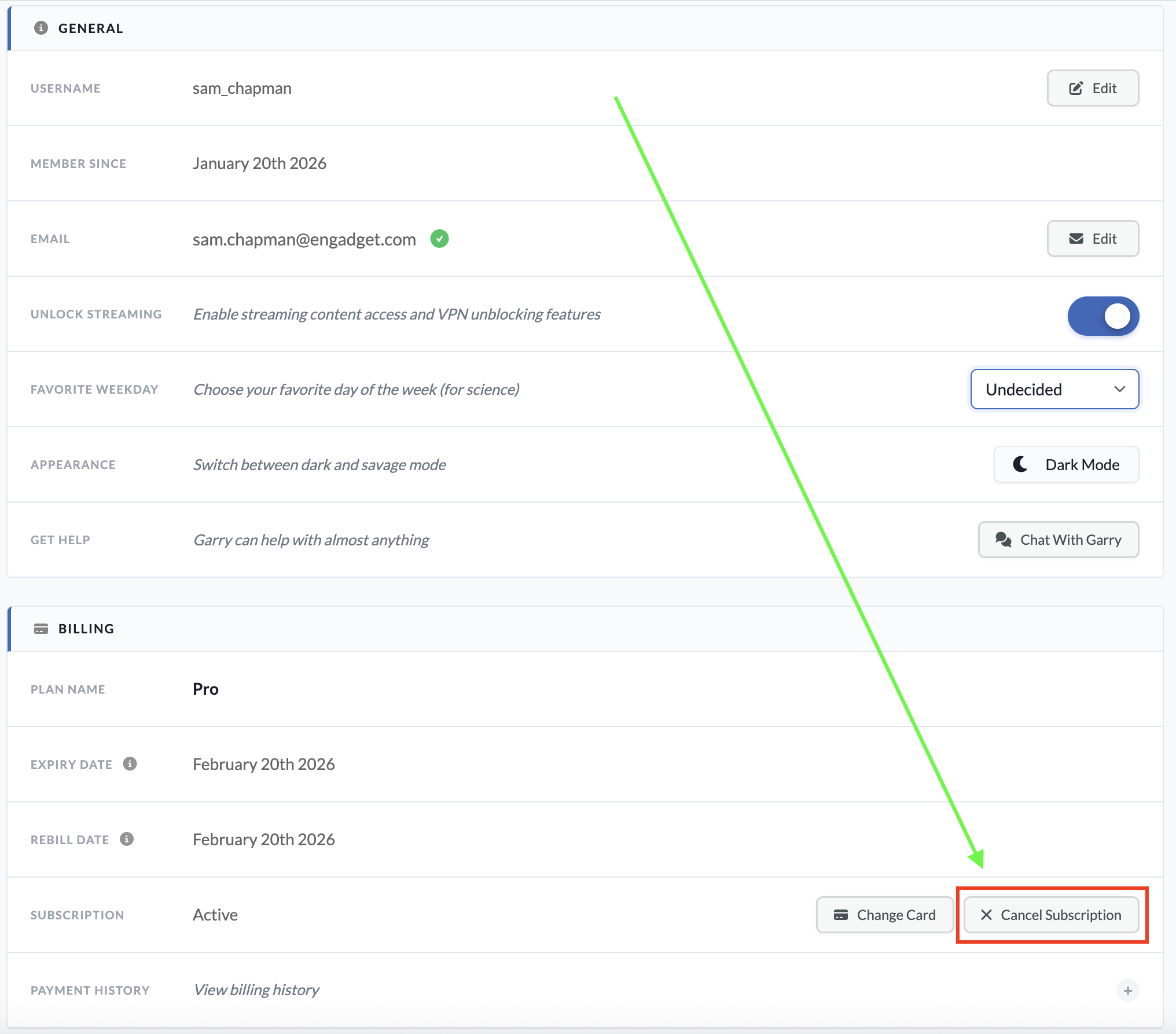 You can reach this page by logging into your account on Windscribe.com.Sam Chapman for Engadget
If your account also included a static IP subscription, there's no way to cancel that through the usual dashboard. You'll have to submit a support request by asking the Garry chatbot, which can be accessed by clicking the icon at the bottom-right corner of any page on windscribe.com.
When you subscribe to an app through a third party like the Apple App Store or Google Play Store, that same third party also handles cancellations and refunds. Windscribe itself won't be able to do anything for you here.
If you subscribed through Google Play on an Android phone, you can cancel by opening the Google Play Store app and tapping your profile icon at the top-right (a circle with the first letter of your username inside). Tap Payments & Subscriptions in the menu that appears, then subscriptions on the next page. Find your Windscribe subscription, tap it and click Cancel Subscription to end payments.
If you went through the App Store on an Apple device, open the Settings app, then tap on your name at the top of the screen. Tap Subscriptions and scroll down to your Windscribe subscription. Tap it, then tap Cancel Subscription.
How to delete your Windscribe accountIf you're certain you want to stop using Windscribe and never start up again, you can scrub your presence from its servers by deleting your account. To do this, go to windscribe.com and click the My Account button in the header bar. Scroll all the way to the bottom and click on the obnoxiously titled Give Up On Privacy button. This will show you the following image.
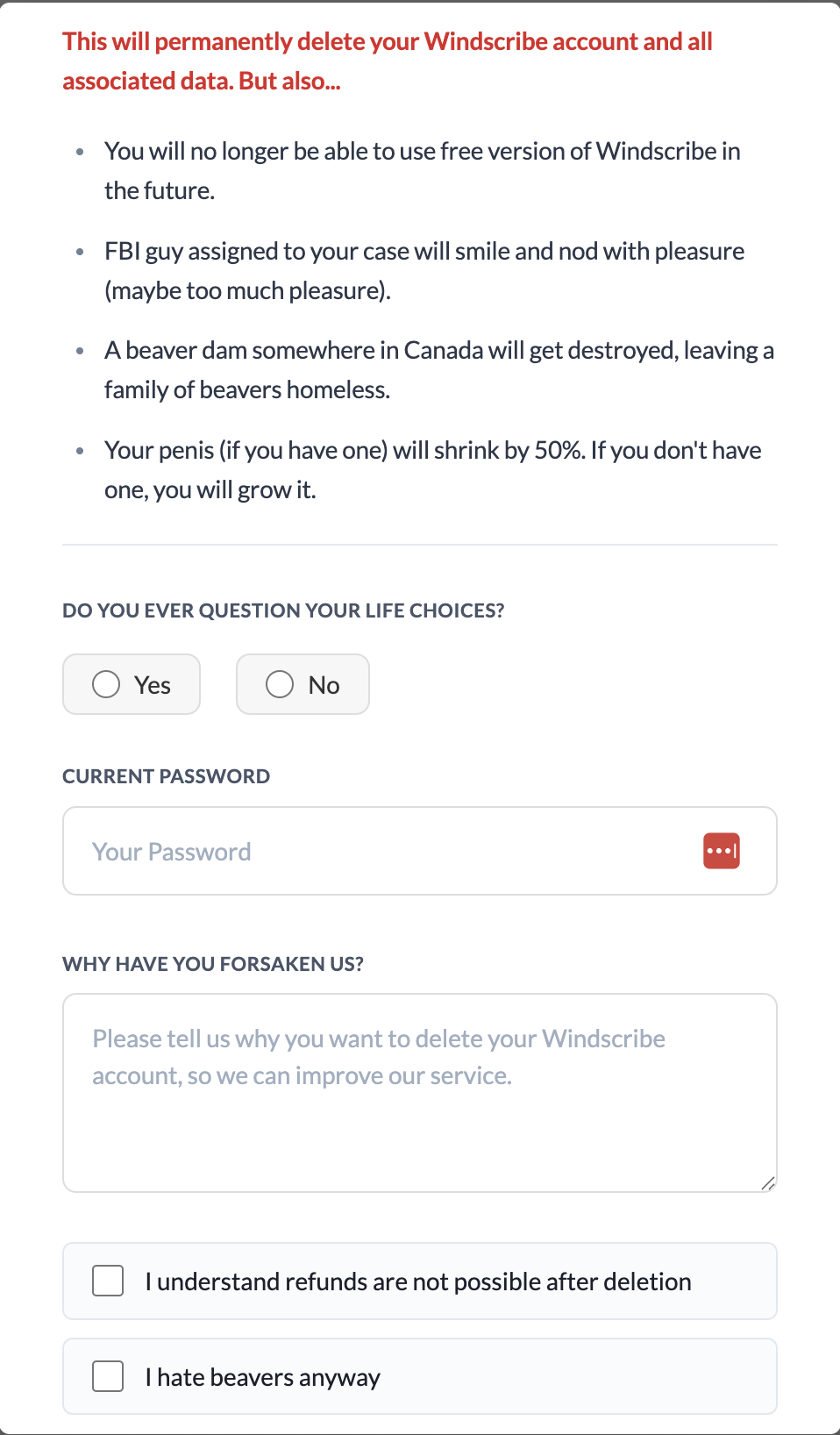 I realize I'm harping on this, but Windscribe gets exceptionally punchable when you try to delete your account.Sam Chapman for Engadget
You'll have to fight through several attempts at comedy to finish deleting your account. Click Yes or No when asked if you ever question your life choices. Enter your password, write whatever you want as a cancellation reason and check both of the boxes below the text field. The Delete Account button should finally be clickable; do it. Once you've pulled the trigger, you won't be able to use the same email address to sign up for another account.
How to get a refund from WindscribeAs I warned above, you can only get a refund from Windscribe for seven days after paying for a subscription. You also cannot get your money back if you've used more than 10GB of data since the start of the payment period. Finally, you can only get refunded on the first payment of each subscription — renewals are not eligible.
If you're within those limits, you can request your money back by starting a conversation with the Garry chatbot. Click the chatbot icon at the bottom-right of the Windscribe website to start a chat. Be warned that you might have to stand firm through several attempts to fix your complaints before you can actually initiate the refund process.
Best Windscribe alternativesWindscribe is a VPN with a lot of good points. That said, by the time you've waded through a swamp of dick jokes to complete the process, I wouldn't blame you for feeling validated in your decision to get rid of it.
There are plenty of good VPNs that can replace Windscribe. My favorite is Proton VPN, which also has a free plan, though without the ability to select your own server. ExpressVPN is simple and powerful, if a little overpriced, while Surfshark is the fastest VPN overall. If you liked Windscribe for its non-VPN features, NordVPN has the best range of extra perks.
This article originally appeared on Engadget at https://www.engadget.com/cybersecurity/vpn/how-to-cancel-windscribe-and-get-your-money-back-173000785.html?src=rssExpressVPN is back on sale again, and its two-year plans are up to 78 percent off right now. You can get the Advanced tier for $101 for 28 months. This is marked down from the $392 that this time frame normally costs. On a per-month basis, it works out to roughly $3.59 for the promo period.
We've consistently liked ExpressVPN because it's fast, easy to use and widely available across a large global server network. In fact, it's our current pick for best premium VPN. One of the biggest drawbacks has always been its high cost, and this deal temporarily solves that issue.
In our review we were able to get fast download and upload speeds, losing only 7 percent in the former and 2 percent in the latter worldwide. We found that it could unblock Netflix anywhere, and its mobile and desktop apps were simple to operate. We gave ExpressVPN an overall score of 85 out of 100.
The virtual private network service now has three tiers. Basic is cheaper with fewer features, while Pro costs more and adds extra perks like support for 14 simultaneous devices and a password manager. Advanced sits in the middle and includes the password manager but only supports 12 devices.
The Basic plan is $78 right now for 28 months, down from $363, and the Pro plan is $168, down from $560. That's 78 percent and 70 percent off, respectively. All plans carry a 30-day money-back guarantee for new users, so you can try it without committing long term if you're on the fence.
This article originally appeared on Engadget at https://www.engadget.com/deals/expressvpn-two-year-plans-are-up-to-78-percent-off-180602104.html?src=rssAs frustrating as it is that governments and businesses are running roughshod over our online freedoms, at least we have plenty of good VPNs to keep us protected online. There are so many fast, intelligently designed, full-featured and affordable services on the market that the biggest problem is picking one. For any use case, you can bet at least two providers will be neck-and-neck for first place.
On the other hand, the VPN world is still the Wild West in some ways. It's easy enough to slap a cheap VPN together that the market is flooded with low-quality apps that put more money into advertising than infrastructure. They may look good, but it's all styrofoam under the hood.
I built this list of the best VPNs after intensive testing to help you reorient your focus on the providers that actually deserve your time and money. Which one truly fits your needs is dependent on who you are and what you do online, but if you pick any of my seven recommendations, you can't go too far wrong. If you're interested in a service you can use without paying, head over to my list of the best free VPNs — and if you're willing to pay but want to save money, I keep a list of the best VPN deals updated weekly.
For each VPN on this list, I've shared which platforms it works on, how much it cuts into your download speed, where it offers servers, what other features are included and how much the best available deal costs. At the end, I'll list some honorable and dishonorable mentions, then answer some of the most common questions I hear about VPNs.
Editor's note: This list is up-to-date as of January 2026. We intend to revisit this list every three months at a minimum, at which time our picks may be adjusted based on changes in pricing, features, testing results and other factors.
Table of contents Best VPNs for 2026
Other VPNs we tested
The VPNs in this section didn't crack our top list above, but we're summarizing them here so you can see their positives and negatives as of the time of our evaluation.
WindscribeWindscribe is another well-known free VPN supported by paid subscriptions. In many ways, it takes the best from both Mullvad and Proton VPN, with the former's no-nonsense privacy and the latter's healthy free plan. Without paying, you can connect to 10 of Windscribe's server locations on an unlimited number of devices at once. We've just published a full Windscribe review that can tell you more.
Unfortunately, Windscribe didn't copy the most important part of Proton VPN's free plan — the unlimited data. You're only allowed to use 10GB per month, which isn't enough for regular streaming. It's also committed to a cramped and headache-inducing user interface that stands out from the crowd in all the worst ways.
Private Internet AccessPrivate Internet Access (PIA VPN) has a deeply annoying name — I assume whoever invented it also likes to hop in their Toyota Forward Motion to grab a gallon of Sustaining Cow Extract from the grocery store — but it's a worthwhile VPN whose pricing provides incredible value. Its monthly and yearly plans are good enough, but its three-year plan is the clincher. Not only is it longer than average, but you can continue to renew at the three-year level, so you won't see an unpleasant price jump the first time you re-up.
PIA's apps have a dark UI reminiscent of Proton VPN, which is always a good thing. It also supports port forwarding, custom DNS and the use of a SOCKS5 or Shadowsocks proxy as a second step in the VPN connection. You can even set the maximum data packet size to help out a struggling connection, as I cover in my full PIA VPN review.
The downside is that your connection will struggle a lot. While well-designed, PIA's apps have a tendency to lag. In my most recent battery of tests, it dragged oddly on my internet in ways that weren't directly reflected in the speed tests. It's also not always capable of unblocking streaming services in other countries, and while its server network offers 152 IP address options in 84 countries, it's heavily bulked out by virtual locations.
TunnelBearTunnelBear has a decent interface, which its target audience of VPN beginners will find very easy to use. Its speeds are perfectly good too, and I appreciate the depth and breadth of its transparency reports. But it's far too limited overall, with few extra features, less than 50 server locations and a free plan that caps data at 2GB per month.
VyprVPNVyprVPN often flies under the radar, but it has some of the best apps in the business and a very good security record (there was a breach in 2023, but it didn't crack the VPN encryption itself). It's also got a verified privacy policy, a solid jurisdiction and runs every connection through an in-house DNS to prevent leaks.
Despite all that, it didn't make the top seven because its connection speeds aren't up to scratch — you'll likely notice a bigger slowdown than average. It also has a troubling history of wild, seemingly experimental swings in its pricing and simultaneous connection limits.
Norton VPNNorton VPN is part of the Norton 360 package that includes the well-known antivirus software and other security apps. It's a nice bonus if you use Norton already, but as a standalone VPN, it falls short. My tests repeatedly showed it dropping encryption and revealing my IP address whenever I switched servers, and not all of its locations managed to unblock Netflix.
This isn't to say Norton VPN is terrible. It has a fairly large server network, user-friendly apps and some cool features like an IP rotator. It also recently revamped its OpenVPN infrastructure to improve speeds on Windows. But you probably won't find those things sufficient to balance out significant speed drops on other platforms or poorly written FAQs. I especially advise against Norton VPN for Apple users, as its Mac and iPhone apps are much more limited than their Windows and Android counterparts.
What to look for in a VPNChoosing a VPN can quickly get you mired in analysis paralysis. We're here to help, but since only you know your particular needs, you should know the major red and green flags so you can make the final call yourself. Every reputable VPN provider offers a free trial or refund guarantee you can use to run the tests below. For more advice and dangers to look for, check out my article on how to tell if your VPN is working.
Compatibility: First, make sure your VPN works on all the platforms you plan to use it on. Most VPNs have apps for Windows, Mac, Android and iOS, but those apps aren't always created equal — check that the app for your chosen OS is user-friendly and has all the features you need.
Speed: Use a speed testing app to see how fast your internet is before and after connecting to the VPN (I use Ookla's speedtest.net). To check security, look up your IP address while connected to a VPN server and see if it's actually changed your virtual location. Be sure it's using expert-vetted protocols like OpenVPN, WireGuard and IKEv2. Try connecting to streaming services and seeing whether the VPN changes the available content.
Background: Do some outside research into the VPN's origins, especially its parent company, privacy policy and any past incidents. It's a dealbreaker if you can't figure out where the VPN is headquartered (which indicates a lax approach to transparency) or if it seems to have never passed a real third-party audit.
Server network: Look at the server network to make sure the VPN has locations near you and in any countries where you'll want an IP address — e.g. if you need a VPN to unblock Canadian Netflix, look for multiple server locations in Canada.
Customer Service: I also advise testing the customer support options by looking for the answer to a straightforward question. If phone support (versus email and chat) is important to you, make sure to prioritize that — and make sure it's available at convenient times in your timezone.
Pricing: Finally, check prices. See if the VPN is affordable and decide whether you're comfortable taking a long-term subscription for better savings. If you do get a multi-year plan, check what price it will renew at, since many of the cheapest subscriptions are only introductory deals.
VPN FAQsTo wrap up, let's answer some of the most common questions we get about VPNs. Feel free to get in touch if you have a query I don't cover here.
What is a VPN?VPN stands for virtual private network. There are a few different types of VPNs, including corporate VPNs like Cisco AnyConnect, Perimeter81 and NordLayer, which are used to access a single network securely. For this list, though, we're talking about commercial services that let individual users access the internet with an assumed identity.
Whenever you get online, you're assigned an IP address — a digital nametag that tells websites where to send the information you request. For an IP address to work, it needs to be unique, which means it's possible to create a record of what an individual does online.
When you use a VPN, all the data you send to the internet goes through one of the VPN's servers before heading to its final destination. The VPN encrypts the connection between your computer and its server so the data won't trace back to you. Any website, ISP or third party that cares to look will only see the VPN's IP address, not yours. If you're interested in more detail, I've written a whole article on how a VPN works.
What are some things VPNs are used for?The three main use cases for a commercial VPN are security, privacy and entertainment. Using a VPN conceals your real IP address from anyone who might want to use it for nefarious purposes like cyberstalking, DDoS attacks or deducing your real location. It also keeps your ISP from profiling you for ads based on where you live or what you do online.
One side effect of borrowing a VPN's IP address is that you can make it appear as though your connection is coming from another country. You can use this to access streaming content and platforms that are only available in certain regions due to copyright. Changing your location can even get you better prices when shopping online.
Location spoofing can also be used to get online in countries that censor internet access, like China and Russia, as well as certain US states or countries — like the UK — that are adding barriers like age-gating to previously unfettered online access. All you have to do is connect to a neighboring country (or locality) where the internet isn't blocked. If you plan to do this while traveling, make sure you have the VPN downloaded before you go, as some nations prevent you from even loading a VPN's homepage. Make sure you check with local laws regarding the legality of VPN use as well — just because your VPN traffic is encrypted doesn't mean that authorities can't detect that it's being used in a given location.
Are VPNs worth it?Whether a VPN is worth the price depends on how much you value those three use cases above. It's no secret that your personal information is profitable for a lot of people, from illicit hackers to corporations to law enforcement. A VPN will not make you completely anonymous, nor is it a license to commit crimes (see the next question) but it will give you a lot more control over what you transmit to the world.
With entertainment, the value is even clearer. You can use a VPN to fight back against streaming balkanization by getting more shows and movies out of a single platform — for example, a lot of shows that have been kicked off American Netflix are still on Netflix in other countries.
What information does a VPN hide?A VPN does not make it impossible for you to be unmasked or taken advantage of online. It prevents you from passively leaking information, keeps your IP address undiscoverable on public wi-fi networks and gets you around online censorship.
However, if you share personal information of your own volition, there's nothing the VPN can do. If you reveal your password in a social media post or click a link in a phishing email, that information bypasses the VPN. Likewise, if you do anything sensitive while logged into an account, the account holder will have that information even if you're using a VPN.
A VPN is a critical part of your online security, but it can't do the whole job by itself. Healthy passwords, malware scanners, private search engines and common sense all have roles to play. Never forget, too, that using a VPN means trusting the VPN provider with access to information that's concealed from everyone else — make sure you trust the privacy policy before signing up.
Are VPNs safe?As far as we can determine, all the VPNs recommended in this story are safe to use. As with anything you subscribe to online, due diligence is important, but there's very little inherent risk; generally, the worst thing a bad VPN will do is fail to work, leaving you no worse off than before.
All that said, there are some VPNs (usually offered for free) that transmit malware, and others that pretend to be independent services while all secretly working off the same backend. Always make sure to look up any complaints or warnings about a service before you download it.
Can you get a VPN on your phone?Absolutely — almost every VPN has apps for both desktop and mobile devices. A good VPN will redesign its app to be mobile-friendly without dropping too many features. Both iOS and Android natively support VPN connections, so you're free to choose whichever provider you like.
What about Google's One VPN?Google One VPN was, as you might expect, a VPN provided by Google. It was launched in 2020 for Google One subscribers and discontinued in 2024 due to lack of use. If you really want a Google VPN, you can still get one if you have certain Pixel models or if you're a Google Fi subscriber.
That said, I don't recommend using a VPN from Google even if you do still have access to one. Google is one of the worst big tech companies at protecting user privacy. While its VPN might not leak, I wouldn't trust it to guard your sensitive information.
This article originally appeared on Engadget at https://www.engadget.com/cybersecurity/vpn/best-vpn-130004396.html?src=rssGaming peripheral company Razer has announced the beta release of Synapse Web, a browser-based version of its desktop software. The web app is intended for quick adjustments when away from home, such as LANs or tournaments, where downloading the full desktop version may not be possible or practical.
At launch, Synapse Web will only support the Razer Huntsman V3 Pro keyboards, though Razer says more devices will be added down the line. Using any Chromium-based browser, users can make quick changes to key settings, apply Chroma RGB quick effects and manage on-board profiles. These profiles can then be viewed, edited and saved directly to the keyboard's device memory, so the configuration stays consistent when moving between PCs.
The company says the new web-based tool is meant to "complement" Synapse 4, the most recent desktop version, but its appeal may be in providing an alternative altogether. Even a cursory search online will turn up years of complaints that Synapse is riddled with bugs, so fans of the brand may be happy to use a pared-down web app if it means more reliability. Razer says you'll still need the full app for advanced customization and "deeper device integration" like multi-device RGB syncing or game-specific profiles.
This article originally appeared on Engadget at https://www.engadget.com/gaming/pc/razer-made-a-web-app-version-of-synapse-170715465.html?src=rssApple has launched its next-generation AirTag for $29 and brought a slew of new features along with it. But, first, it's important to get this out of the way: The new AirTag still doesn't have a keyring hole, so you'll still need accessories like a case, holder or secure pocket.
Once you get over that, the new Apple AirTag does offer some nice improvements. For starters, it's now powered by Apple's second-generation Ultra Wideband chip — the same one used in the iPhone 17 lineup and for the Apple Watch Ultra 3. It also uses Precision Finding to reach items up to 50 percent further away than the previous AirTag model. This feature will now work with any Apple Watch Series 9, Ultra 2 or a later iteration of either. That means the directional guidance that shows you down to a few feet where your AirTags are will be available on those compatible watches in addition to your iPhone.
 New AirTag.Apple
The new AirTag is also 50 percent louder than before and has what Apple calls a "distinctive new chime." It still uses the Find My network to bounce off other Bluetooth users and locate the AirTag.
Launched in 2021, Apple's AirTag has long stood as our favorite Bluetooth tracker for iPhones. It's convenience within the Find My app is a big help and almost makes up for the fact that it doesn't have a key ring — almost.
Update, January 28 2026, 11:58AM ET: This story has been updated to add a clarification on the Precision Find update for Apple Watches, as well as a link in the intro.
This article originally appeared on Engadget at https://www.engadget.com/wearables/apples-second-generation-airtag-offers-greater-range-but-still-doesnt-have-a-keyring-hole-150540407.html?src=rssIf one of your New Year's resolutions was to improve your cybersecurity, it's not too late. Most of the holiday deals are over by now, but plenty of services are still offering excellent prices. With access to a virtual private network (VPN), you can keep your activity hidden from your ISP and any advertisers it may sell that data to — all while streaming sporting events and TV dramas from all across the globe.
We strongly recommend using a VPN, but if you jump on the very first deal you see, you might get stuck with a substandard app. It's also easy to mistakenly end up paying more than you want to, as otherwise respectable VPNs sometimes frame their prices in misleading ways, with advertised deals not always as available as they seem to be.
Even with all those caveats, there are some great bargains on the table. Many of the best VPNs — including our top pick, Proton VPN — have deals that save you anywhere from 70 to 87 percent on annual subscriptions. Most of these discounts only apply if you sign up for a year or more, but if you divide the cost by the months of subscription, it's much cheaper over time.
Best VPN dealsExpressVPN Basic — $78.18 for a two-year subscription with four months free (78 percent off): This is one of the best VPNs, especially for new users, who will find its apps and website headache-free on all platforms. In tests for my ExpressVPN review, it dropped my download speeds by less than 7 percent and successfully changed my virtual location 14 out of 15 times. In short, it's an all-around excellent service that only suffers from being a little overpriced — which is why I'm so excited whenever I find it offering a decent deal. This discount, which gets you 28 months of ExpressVPN service, represents a 78 percent savings. Be aware, though, that it'll renew at the $99.95 per year price.
ExpressVPN Advanced — $100.58 for a two-year subscription with four months free (74 percent off): ExpressVPN recently split its pricing into multiple tiers, but they all still come with similar discounts for going long. In addition to top-tier VPN service, advanced users get two additional simultaneous connections (for a total of 12), the ExpressVPN Keys password manager, advanced ad and tracker blocking, ID protection features and a 50 percent discount on an AirCove router. As above, note that it renews at $119.95 annually.
NordVPN Basic — $81.36 for a two-year subscription (70 percent off): NordVPN gets the most important parts of a VPN right. It's fast, it doesn't leak any of your data and it's great at changing your virtual location. I noted in my NordVPN review that it always connects quickly and includes a support page that makes it easy to get live help. NordVPN includes a lot of cool features, like servers that instantly connect you to Tor. This deal gives you 70 percent off the two-year plan.
NordVPN Plus — $93.36 for a two-year subscription (74 percent off): NordVPN has also taken 70 percent off its Plus subscription. For only a little more, you get a powerful ad and tracker blocker that can also catch malware downloads, plus access to the NordPass password manager. A Plus plan also adds a data breach scanner that checks the dark web for your sensitive information.
Surfshark Starter — $53.73 for a two-year subscription with three months free (87 percent off): This is the "basic" level of Surfshark, but it includes the entire VPN; everything on Surfshark One is an extra perk. With this subscription, you'll get some of the most envelope-pushing features in the VPN world right now. Surfshark can rotate your IP constantly to help you evade detection — it even lets you choose your own entry and exit nodes for a double-hop connection. That all comes with a near-invisible impact on download speeds. With this year-round deal, you can save 87 percent on 27 months of Surfshark.
Surfshark One — $67.23 for a two-year subscription with three months free (87 percent off): A VPN is great, but it's not enough to protect your data all on its own. Surfshark One adds several apps that boost your security beyond just VPN service, including Surfshark Antivirus (scans devices and downloads for malware) and Surfshark Alert (alerts you whenever your sensitive information shows up in a data breach), plus Surfshark Search and Alternative ID from the tier below. This extra-low deal gives you 88 percent off all those features. If you bump up to Surfshark One+, you'll also get data removal through Incogni, but the price jumps enough that it's not quite worthwhile in my eyes.
CyberGhost — $56.94 for a two-year subscription with four months free (84 percent off): CyberGhost has some of the best automation you'll see on any VPN. With its Smart Rules system, you can determine how its apps respond to different types of Wi-Fi networks, with exceptions for specific networks you know by name. Typically, you can set it to auto-connect, disconnect or send you a message asking what to do. CyberGhost's other best feature is its streaming servers — I've found both better video quality and more consistent unblocking when I use them on streaming sites. Currently, you can get 28 months of CyberGhost for 79 percent off the usual price, but it'll renew at $56.94 per year.
hide.me — $69.95 for a two-year subscription with four months free (75 percent off): Hide.me is an excellent free VPN — in fact, it's my favorite on the market, even with EventVPN and the free version of Proton VPN as competition. If you do want to upgrade to its paid plan, though, the two-year subscription offers great savings. Hide.me works well as a no-frills beginner VPN, with apps and a server network it should frankly be charging more for.
Windscribe — $69 for a one-year subscription (32 percent off): It's not nearly as steep a discount as some of the others on this list, but Windscribe was cheap to begin with, so 32 percent off its monthly price is a bigger savings than it might seem. As I just covered in a detailed Windscribe review, it's worth upgrading from the free service to get full access to Windscribe's all-real server network (and remove the free plan's data cap).
Private Internet Access — $79 for a three-year subscription with four months free (83 percent off): With this deal, you can get 40 months of Private Internet Access (PIA) for a little bit under $2 per month — an 83 percent discount on its monthly price. You can also get a shorter one-year subscription for $40 ($3.33 per month). Despite being so cheap, PIA has plenty of features, coming with its own DNS servers, a built-in ad blocker and automation powers to rival CyberGhost. However, internet speeds can fluctuate while you're connected.
What makes a good VPN dealPractically every VPN heavily discounts its long-term subscriptions year-round, with even sharper discounts around occasions like the holidays. The only noteworthy exception is Mullvad, the Costco hot dog of VPNs (that's a compliment, to be clear). When there's constantly a huge discount going on, it can be hard to tell when you're actually getting a good deal. The best way to squeeze out more savings is to look for seasonal deals, student discounts or exclusive sales like Proton VPN's coupon for Engadget readers.
One trick VPNs often use is to add extra months onto an introductory deal, pushing the average monthly price even lower. When it comes time to renew, you usually can't get these extra months again. You often can't even renew for the same basic period of time — for example, you may only be able to renew a two-year subscription for one year. If you're planning to hold onto a VPN indefinitely, check the fine print to see how much it will cost per month after the first renewal, and ensure that fits into your budget.
Follow @EngadgetDeals on X for the latest tech deals and buying advice.
This article originally appeared on Engadget at https://www.engadget.com/deals/the-best-vpn-deals-up-to-87-percent-off-protonvpn-surfshark-expressvpn-nordvpn-and-more-120056484.html?src=rssThe latest lineup of MSI's Prestige laptops is now available to buy. The company unveiled its next-generation business laptop at CES earlier this month, all of them powered by the latest Intel Core Ultra Series 3 processors.
Available in configurations that include up to the Intel Core Ultra 9, the updated Prestige series are equipped with chunky 91Wh batteries and, depending on the model, offer over 30 hours of 1080p video playback. In more real-world terms, if you're on a work trip and know you won't always have a power supply to hand, you can trust one of these to get you through a day of heavy multi-tasking.
The new Prestige models are encased in full aluminum and are slimmer than their predecessors. They feature vapor chamber cooling and dual-fan architecture to ensure they stay cool and quiet while you work. If you pick up one of the convertible 2-in-1 Flip models, you can work with a stylus too.
There's a 2.8K OLED display option for the Prestige 16 and 16 Flip, with support for VRR and DisplayHDR True Black 1000. The Flip 14 keeps the OLED, but the resolution drops to FHD+ and you lose the VRR.
The full lineup is now available in the US, with prices starting at $1,299.
This article originally appeared on Engadget at https://www.engadget.com/computing/laptops/msis-refreshed-prestige-series-laptops-are-now-available-to-buy-165234479.html?src=rssFans of co-op beat-'em-ups and fictional bass players who kind of suck as human beings might want to mark March 3 on their calendars. That's when Scott Pilgrim EX is set to hit PS4, PS5, Xbox Series X/S, Xbox One, Nintendo Switch and Steam.
Developer and publisher Tribute Games announced the release date in a new trailer, which also revealed two more playable characters: Matthew Patel (a member of the League of Evil Exes) and Robot-01, a creation of the Katayanagi Twins. One more fighter will be unveiled in the coming weeks.
Tribute worked with Scott Pilgrim creator Bryan Lee O'Malley on an original storyline for the game. After Scott's bandmates in Sex Bob-omb are kidnapped and demons descend on Toronto, Scott and Ramona Flowers set out to save the day with some unexpected allies. Anamanaguchi are making new music for the game, after providing the soundtrack for Scott Pilgrim vs. The World: The Game way back when.
I'm a fan of Scott Pilgrim vs. The World and I dug Tribute's last two games, Marvel Cosmic Invasion and Teenage Mutant Ninja Turtles: Shredder's Revenge. So it's safe to say I'll be trying out Scott Pilgrim EX in a few weeks.
This article originally appeared on Engadget at https://www.engadget.com/gaming/scott-pilgrim-ex-will-hit-pc-and-consoles-on-march-3-160427832.html?src=rssThe big game is one of the few instances now in the US where most people gather around the TV to watch the live event together. While the teams playing in Super Bowl 2026 are the true stars of the show (and Bad Bunny, of course), your TV is a pretty important part of the puzzle of putting together an excellent Super Bowl party. Maybe you've been thinking about replacing an aging set, or you're itching for a full refresh of your home theater setup — either way, you'll want to try to get a good deal on a new TV. Thankfully, the weeks leading up to the Super Bowl can be a great time to shop for a new TV.
Generally, TV prices steadily decrease after a new model comes out. Some 2026 TV models were announced at CES and are forthcoming things year, making now a good time to look for discounts on 2025 sets. Aside from the holiday shopping season, now is one of the best times of the year to save on a TV. Here, we've curated the best Super Bowl TV deals we could find this year, from already affordable sets discounted even further to high-end OLEDs that are hundreds of dollars off.
You can easily find solid 1080p and 4K TV sets within this budget-friendly price range. What you'll be more limited in is size — most TV deals under $500 we're seeing right now are on sets up to 55 inches. There are a few 65- and 75-inch models in there, but the pickings are slim.
Hisense 32-inch Class A4 1080 FHD smart TV for $98 (18 percent off)
Roku 24-inch 720p smart TV for $100 (18 percent off)
Roku 55-inch 4K smart TV for $248 (29 percent off)
Roku 55-inch Mini LED 4K smart TV for $348 (30 percent off)
TCL 75-inch Class S5 4K smart TV for $480 (26 percent off)
OLED TV dealsThis is where you want to look if you want your new TV to have the richest colors, deepest blacks and excellent contrast performance. Of course, that all comes at steeper prices — it can be difficult to find a good OLED set for less than $1,000, even on sale.
LG 55-inch B5 OLED 4K smart TV for $847 ($50 off)
Samsung 65-inch Class OLED S95F 4K smart TV for $2,298 (23 percent off)
Sony 77-inch Bravia XR A95L OLED 4K smart TV for $3,498 (30 percent off)
Super Bowl 2026 TV deals for $500 and upThis will likely be the sweet spot for many people when it comes to TV features, performance and price. Good 4K sets are common in this price range, and you'll also find some Mini LED sets available here as well.
TCL 65-inch Class T7 4K smart TV for $500 (29 percent off)
Hisense 65-inch Class U6 Mini LED 4K smart TV for $550 (35 percent off)
Amazon 65-inch Fire TV Omni Mini LED 4K smart TV for $920 (16 percent off)
TCL 65-inch Class QM8K Mini LED 4K smart TV for $998 (33 percent off)
Streaming and home entertainment dealsA good TV is key, but having the right peripherals and accessories to go along with it will complete your home theater setup. Deals we're tracking right now include discounts on streaming devices, soundbars and projectors.
Roku Ultra streamer for $78 (22 percent off)
Vizio 2.0 SV200M-08 soundbar for $78 (22 percent off)
Samsung HW B400F soundbar with built-in subwoofer for $100 (29 percent off)
Anker Nebula Capsule 3 projector for $540 (28 percent off)
Valerion VisionMaster Max 4K projector for $3,999 (20 percent off)
This article originally appeared on Engadget at https://www.engadget.com/deals/super-bowl-2026-tv-deals-the-best-sales-ahead-of-kickoff-160000725.html?src=rssA new year is the perfect time to get your spending in order, and if you're not trying to build your own spreadsheet, budgeting apps are one of the best ways to do it. To save yourself some money in the process, you can pick up a year-long subscription to Monarch Money, one of Engadget's favorite budgeting apps, for just $50 if you use code NEWYEAR2026 at checkout and you're a new subscriber. That's a 50 percent discount on the service's normal $100 price.
Monarch Money makes for a capable and detailed budgeting companion. You can use the service via apps for iOS, Android, iPadOS or the web, and Monarch also offers a Chrome extension that can sync your Amazon and Target transactions and automatically categorize them. Like other budgeting apps, Monarch Money lets you connect multiple financial accounts and track your money based on where you spend it over time. Monarch offers two different approaches to tracking budgeting (flexible and category budgeting) depending on what fits your life best, and the ability to add a budget widget on your phone so you can know how you're tracking that month.
How budgeting apps turn your raw transactions into visuals you can understand at a glance is one of the big things that differentiates one app from another, and Monarch Money offers multiple graphs and charts to look at for things like spending, investments or categories of your choice based on how you've labelled your expenses. The app can also monitor the spending of you and your partner all in one place, to make it easier to plan together.
The main drawbacks Engadget found in testing Monarch Money were the app's learning curve, and the differences in features (and bugginess) between Monarch's web and mobile versions. Still, for 50 percent off, the Monarch Money is well worth experimenting with if you're trying to save money in 2026, especially if you want to do it collaboratively with a partner.
Follow @EngadgetDeals on X for the latest tech deals and buying advice.
This article originally appeared on Engadget at https://www.engadget.com/apps/one-of-our-favorite-budgeting-apps-is-only-50-for-the-year-for-new-users-204507183.html?src=rssServices have been a huge part of Apple's business for the past several years — to the tune of tens of billions of dollars in revenue last year alone. Now, with the new Apple Creator Studio bundle, the company is leaning harder into the professional creative software space.
Apple Creator Studio packages a bunch of the company's pro apps into a single subscription service that you can pay monthly or yearly for. It's officially available starting January 28, and includes a one-month free trial. The key shift is that some of these apps are now subscription-only on iPad, even as Apple continues to offer one-time purchases on the Mac - albeit with slightly different feature offerings. Here's everything you need to know about Apple Creator Studio and the programs it includes.
What Apple Creator Studio includesAt its core, Apple Creator Studio gives subscribers access to Apple's professional video, music and imaging apps. The bundle includes Final Cut Pro, Logic Pro, Pixelmator Pro, Motion, Compressor and MainStage. Pixelmator Pro (which Apple acquired in late 2024) is also coming to iPad for the first time, with a touch-optimized interface and Apple Pencil support.
A Creator Studio subscription also unlocks premium content and features inside Apple's productivity apps. Keynote, Pages and Numbers remain free, but subscribers get access to premium templates and themes, plus a new Content Hub with Apple-curated photos, graphics and illustrations. Similar paid features are coming to Freeform later this year, the company says.
Apple is also using the bundle to introduce new "intelligence" features across several apps. In Final Cut Pro, the new Beat Detection feature can analyze a music track and show a beat grid so you can line edits up to the rhythm. The app is also getting tools like transcript search and visual search designed to make it easier to find moments across footage.
Logic Pro is gaining new AI-assisted Session Players and workflow features on Mac and iPad. Pixelmator Pro continues to rely heavily on machine learning for tasks like background removal, image repair and image upscaling. Note that some of these features require an Apple Intelligence-capable device.
Which devices are supportedApple Creator Studio works across multiple Apple platforms, though not every app is available everywhere.
On the Mac, subscribers get access to all six apps: Final Cut Pro, Logic Pro, Pixelmator Pro, Motion, Compressor and MainStage.
On the iPad, Final Cut Pro, Logic Pro and Pixelmator Pro are included. Motion, Compressor and MainStage remain Mac-only.
On the iPhone, Creator Studio does not include full versions of Final Cut Pro, Logic Pro or Pixelmator Pro. Instead, it unlocks premium features and content inside Keynote, Pages and Numbers, and eventually Freeform.
Apple says the best experience is on macOS 26, iPadOS 26 and iOS 26 or later, with individual app requirements varying by device and chip.
 Apple Creator Studio apps
Apple
Pricing and subscription options
Apple Creator Studio apps
Apple
Pricing and subscription options
Apple Creator Studio costs $12.99 per month or $129 per year, and new subscribers can try the service free for one month. College students and educators get a steep discount: the education plan costs $2.99 per month or $29.99 per year, and it also comes with a one-month free trial.
A standard subscription can be shared with up to five other people using Family Sharing, allowing six users total. Education subscriptions are limited to individual use and cannot be shared. Apple is also offering three free months of Creator Studio to customers who purchase a qualifying new Mac or iPad around launch.
But Creator Studio isn't the only way you can access most of these apps. Apple says all of the major apps included in Creator Studio will continue to be available as one-time purchases on the Mac App Store.
Final Cut Pro remains priced at $299.99, Logic Pro at $199.99, Pixelmator Pro at $49.99, Motion at $49.99, Compressor at $49.99 and MainStage at $29.99. Users who already own these apps can keep using them and re-download them from the App Store as usual.
On the iPad, however, things are different. Final Cut Pro, Logic Pro and Pixelmator Pro for iPad are only available through the Creator Studio subscription. There is no standalone purchase option for those apps on iPadOS.
Keynote, Pages, Numbers and Freeform remain free for everyone to download and use. Apple says those apps will continue receiving updates, including the upcoming visual design changes tied to iOS 26 and iPadOS 26.
Without a Creator Studio subscription, you can still create, edit and collaborate in those apps. What you will not get are the paid templates, Content Hub assets and certain intelligence features.
What happens to your projects if you cancelApple says projects and content you create with an active subscription remain licensed as part of your original work.
Final Cut Pro, Logic Pro and Pixelmator Pro projects remain on your devices and can be copied or shared elsewhere. But you will need an active subscription to open or edit projects in those paid apps.
Keynote, Pages, Numbers and Freeform documents remain editable without a subscription. However, you will not be able to make new edits that rely on paid features once your subscription ends.
Other information about the Apple Creator Studio app bundleApple Creator Studio also comes with some immediate trade-offs. Alongside the bundle, Apple confirmed that the older Pixelmator app for iPhone and iPad, now described as Pixelmator Classic, will no longer receive updates. Apple says it will remain functional, but development is shifting to Pixelmator Pro, including the new iPad version included with Creator Studio.
But don't expect the standalone versions of the apps to maintain feature parity with their Creator Studio counterparts. Per Apple's FAQ, "The Apple Creator Studio version of Pixelmator Pro includes access to the Warp Tool feature," which implies that feature isn't present on the standalone version.
More broadly, the bundle puts Apple more directly in competition with Adobe and other subscription-focused creative platforms, especially for people who are looking for a lower monthly entry point. At the same time, Apple is keeping one-time purchases on the table for Mac users, even as iPad access moves behind a subscription.
Apple Creator Studio will be available January 28. Whether it makes sense will likely come down to which device you work on and whether you would otherwise pay upfront for one or more of Apple's pro apps.
This article originally appeared on Engadget at https://www.engadget.com/apps/apple-creator-studio-is-now-available-for-13-per-month-whats-included-and-what-it-means-for-creators-130000475.html?src=rss
Tax season is fast approaching, and unfortunately for 2026, Direct File isn't an option anymore. The free, government-provided service was shut down, so you'll need to look to other federal programs, including IRS Free File, to file your paperwork. If you don't qualify for Free File, TurboTax might be your best bet for a relatively cheap, efficient way to file your taxes. While it pains us to suggest you give money to a company that has spent decades lobbying to ensure America's tax system remains a nightmare, we can at least help you save a bit of cash if you've determined TurboTax is a necessary expense for you this year.
Right now, Amazon has discounted the deluxe desktop edition of TurboTax by 44 percent. That gets you $35 off software that normally costs $80, which you can use to file both your individual state and federal taxes. For most Americans, that should cover their needs.
However, if you're self-employed, you'll need to pony up for the more expensive Business version of TurboTax, which is currently 42 percent off, or $54 off. One last thing to note: you'll need a PC with either Windows 11 or macOS Sonoma to run the software, so an older machine won't do, unfortunately.
An alternative that's also on sale is from H&R Block. Amazon has H&R Block's Deluxe + State tax software for 50 percent off, bringing it down to only $30. It works on Windows and Mac devices and lets you import your previous year's personal tax return, even from competing software like TurboTax and Quicken.
Follow @EngadgetDeals on X for the latest tech deals and buying advice.
This article originally appeared on Engadget at https://www.engadget.com/deals/turbotax-deluxe-is-44-percent-off-ahead-of-tax-season-204848046.html?src=rssLast year fans of Ted Lasso received the good news that the show would be returning for a fourth season, despite having referred to its third season as its "final" one. Now Apple TV has shared some still images and further confirmation that production is underway.
As first shared by The A.V. Club, this latest batch of still images depicts the eponymous coach back in action, this time coaching a women's soccer team. A description of the upcoming season shared with the outlet reads, "In season four, Ted returns to Richmond, taking on his biggest challenge yet: coaching a second division women's football team. Throughout the course of the season, Ted and the team learn to leap before they look, taking chances they never thought they would."
The images also feature returning cast members such as Hannah Waddingham, who plays Greyhounds owner Rebecca Welton, and Annette Badland, who plays pub owner Mae Green. Also shown are newcomers Grant Feely as Ted's son and Tanya Reynolds as an assistant coach.
Apple shared that the show is returning this summer, but no specific date has been announced.
This article originally appeared on Engadget at https://www.engadget.com/entertainment/streaming/apple-tv-offers-first-look-at-ted-lasso-season-4-141538177.html?src=rssThe peak time for deals on streaming services — the holiday shopping season — has come and gone, but Disney is back with a fresh offer for the new year. New and eligible returning subscribers can get one month of the ad-supported Disney+ Hulu bundle for just $10. That's $3 off the usual monthly rate for the bundle, and more than 58 percent off if you consider the prices for each service individually (Disney+ at $12 per month and, separately, Hulu also at $12 per month).
We'd be remiss if we didn't mention that this isn't quite as good as the Black Friday deal we saw last year, which offered the same bundle for $5 per month for one year. However, if you missed that offer or just want to try out Disney+ and Hulu for a brief period of time, this is a good way to do so.
Disney+ and Hulu make one of the most balanced streaming pairs available, blending family-friendly favorites with acclaimed originals and network TV staples. Disney+ brings a vast library of animated classics, blockbuster franchises and exclusive content from Marvel, Pixar, Star Wars and National Geographic. It's the place to stream nearly every Star Wars film and series, plus the full Marvel Cinematic Universe lineup and Disney's most recent theatrical releases.
Hulu balances things out with a more adult-oriented lineup of current TV shows, next-day network episodes and a growing roster of award-winning originals. The platform hosts series like The Bear, The Handmaid's Tale and Only Murders in the Building, alongside comedies, thrillers and documentaries that regularly feature in awards conversations. It's also the home for next-day streaming of ABC and FX shows, making it especially useful if you've already cut the cable cord but still want to keep up with primetime TV.
The Duo Basic bundle ties these two services together under a single subscription, offering a simple way to expand your library without juggling multiple accounts. This tier includes ads on both platforms, but the trade-off is significant savings compared with paying for each service separately. For many households, that's an acceptable compromise when it means access to such a wide range of content.
Follow @EngadgetDeals on X for the latest tech deals and buying advice.
This article originally appeared on Engadget at https://www.engadget.com/deals/get-the-disney-and-hulu-bundle-for-one-month-for-only-10-192814129.html?src=rssSnap's augmented reality glasses business will now be its own entity, with the company establishing Specs Inc. as a wholly owned subsidiary. It will enable Snap to more easily secure investors and partnerships for its wearables, as well as to grow Specs into a distinct brand while running it within Snap Inc. As The Information reported in mid-2025, Snap was thinking of ways to raise outside money for its AR glasses to be able to better compete with Meta, which has a lot more money to spend on development. It was already considering spinning off the business back then.
"Specs are launching at an important time, as artificial intelligence transforms the way that we use our computers," the company said in its announcement. The glasses' operating system can help you get things done faster based on what they see and what they know about your behaviors. Snap also says that its smartglasses can keep you present in the moment with friends and family unlike phones and computers, since they superimpose digital tools over your view of the real world. In addition, the company believes Specs can help reduce waste over time as its digital tools can replace physical objects, such as manuals and whiteboards.
Snap didn't say whether Specs Inc. already has investors lined up, but it is already hiring for over 100 roles around the world. The new subsidiary is expected to launch Snap's next generation of standalone AR glasses sometime this year. Company CEO Evan Spiegel previously said that the model will be lighter, have a much smaller form factor and have more capabilities than its older smartglasses, which are mostly developer-focused.
This article originally appeared on Engadget at https://www.engadget.com/wearables/snap-is-spinning-off-its-ar-glasses-into-a-separate-business-140000659.html?src=rssLinkedIn has long been a platform for showing off professional accomplishments. Now, the company is leaning into the rise of vibe coding by allowing users to show off their proficiency with various AI coding tools directly on their profiles.
The company is partnering with Replit, Lovable, Descript and Relay.app on the feature and is working on integrations with fellow Microsoft-owned GitHub as well as Zapier. LinkedIn has always allowed users to add various skills and certifications to their profiles. But what makes the latest update a bit different is that users aren't self-reporting their own qualifications. Instead, LinkedIn is allowing the companies behind the AI tools to assess an individual's relative skill and assign a level of proficiency that goes directly to their profile.
For example, AI app maker Lovable could award someone a "bronze" in "vibe coding," while the platform Replit uses numerical levels and Relay.app may determine that someone is an "intermediate" level "AI Agent Builder," according to screenshots shared by LinkedIn. These levels should dynamically update as people get more experience using the relevant tools, according to LinkedIn.
 Lovable's vibe coding rating system.LinkedIn
Of course, the update also comes at a time when companies have used these same kinds of AI tools to lay off thousands of workers. So while there's may be value in showing off your vibe coding skills, there are still many workers who likely aren't as excited about ceding more ground to AI. When I asked, LinkedIn's head of career products Pat Whealan about this he said that
AI-specific skills are an increasingly important signal to recruiters and the latest update will make it easier for them to assess candidates' skills. But he added that the intention isn't to make AI-specific skills the sole focus. "This is less about replacing any of those other existing signals, and more about showing new ways that people are doing work," he tells Engadget. "And how do we give a verifiable signal to both hirers and other people looking at their profile, that they actually are using these tools on a regular basis."
Last summer, Google announced that Android 16 would include a desktop interface built from Samsung DeX, a mirroring and phone integration tool for PC. Thanks to a (now permissions-restricted) bug report discovered on Google's Issue Tracker, we have what is almost certainly a first look at the Android-on-desktop project, codenamed Aluminium OS.
First spotted by 9to5Google, the bug report was about Chrome incognito tabs and included two screen recordings. The description said the recordings were from an HP Elite Dragonfly Chromebook. The video shows a 'chrome://version/' page where one can see the OS listed as Android 16. 9to5Google also said the bug report listed "ALOS" as the operating system, understood to stand for Aluminium OS, along with a corresponding build number that matches the one seen in the screen recordings.
The UI looks like a clear blend of ChromeOS and Android aesthetics, with an Android-style taskbar across the bottom and status bar across the top, with familiar battery and Wi-Fi indicators. The videos also show the Play Store, windowed apps, split-screen multitasking and a version of Chrome with an extensions button, which is currently only available on the desktop version. Google has yet to comment on the leak, so users may have to wait for future Android 16 updates for a more in-depth look at the upcoming desktop experience.
This article originally appeared on Engadget at https://www.engadget.com/computing/our-first-look-at-googles-android-for-pc-interface-leaks-in-a-bug-report-133006008.html?src=rssThe UK's Competition and Markets Authority (CMA) is recommending measures to give publishers more control over how their content is used in Google's AI overviews. The aim is to "provide a fairer deal for content publishers, particularly news organizations," the CMA's chief executive Sarah Cardell said in a press release.
With Google accounting for more than 90 percent of search inquiries in the UK, the CMA recently designated the company with "strategic market status" for search under the Digital Market Act. That allows the regulator to apply "conduct requirements" on Google to promote competition and avoid antitrust issues.
With those new powers, the CMA proposed a number of measures today. The first is a set of controls that would allow publishers to opt out of their content being used for features like AI Overviews or to train AI models. Google would also need to properly attribute publisher content.
Another measure would require Google to apply fair search result rankings for businesses, with an "effective process for raising and investigating issues." Google would also need to provide a "choice screen" for alternative search options on Android mobile and Chrome browsers.
"These targeted and proportionate actions would give UK businesses and consumers more choice and control over how they interact with Google's search services — as well as unlocking greater opportunities for innovation across the UK tech sector and broader economy," Cardell said in a statement.
In response, Google wrote that it's "exploring updates to let sites specifically opt out of Search generative AI features." The aim, it said, is to keep search helpful for people who want information quickly while allowing publishers to better manage content. "Any new controls need to avoid breaking Search in a way that leads to a fragmented or confusing experience for people," the company wrote, adding that it's "optimistic" it can meet the CMA's requirements.
When its new designation was announced in October 2025, Google complained that some of the proposed interventions would inhibit UK innovation and growth. Citing a study, the company said that similar measures imposed by the European Union produced "negative results" that "have cost businesses $114 billion."
This article originally appeared on Engadget at https://www.engadget.com/ai/uk-wants-to-give-web-publishers-a-fairer-deal-with-googles-ai-overviews-132742850.html?src=rssAnker introduced a nifty little charger at CES 2026, which is a refresh of the pre-existing Nano Charger. It's already on sale for $30, which is a discount of $10 when you clip the on-page coupon on Amazon.
The 45W charger includes a smart display that shows real-time data like power flow, temperature and charging status. It also features "fun animations to keep things cheerful." Anker says it can recognize what's being charged and automatically adjust certain metrics to ensure a longer battery lifespan.
To that end, it works with just about everything. The company advertises that this charger is a good fit for the iPhone, Apple Watch, AirPods and Samsung devices, among others. The new Nano Charger is on the smaller side, with dual folding prongs that rotate to fit most outlets.
Follow @EngadgetDeals on X for the latest tech deals and buying advice.
This article originally appeared on Engadget at https://www.engadget.com/deals/ankers-new-45w-nano-charger-with-smart-display-is-on-sale-for-10-off-160707585.html?src=rssChina has agreed to import its first batch of NVIDIA's H200 AI chips after the government initially rejected the idea, Reuters reported. Several hundred thousand H200 chips were approved for sale in the country following NVIDIA's CEO Jensen Huang's visit there last week, according to two people familiar with the matter.
The US government allowed the sale of NVIDIA's H200 processors to vetted and approved companies in China late last year. The first sales have been allocated mainly to three unnamed Chinese internet companies and the government is accepting applications for future approvals, according to the sources.
NVIDIA's most powerful AI chip, the Blackwell B200, is still restricted for export to China. Despite that, over $1 billion worth of those and other high-end NVIDIA chips made their way to China via black market sales, according to previous reports.
The H200 is NVIDIA's second most powerful AI GPU behind the B200, which is reportedly 10 times faster for some jobs. However, the H200 is still far more capable than NVIDIA's H20, which was the only chip approved for export to China prior to the Trump administration's H200 approval in December. Initially, China's government rejected that chip in favor of domestically developed semiconductors.
China is trying to become self-reliant for its AI chips and infrastructure, with Huawei currently offering the best processors domestically. However, AI chip experts have said NVIDIA's tech is still far ahead of anything that Huawei or other Chinese companies can currently produce.
This article originally appeared on Engadget at https://www.engadget.com/ai/china-finally-approves-the-first-batch-of-nvidia-h200-ai-gpu-imports-130000335.html?src=rssRarely does a set of open-fit earbuds actually impress me. I tend to find them underwhelming because overall sound quality is subpar compared to the more "traditional" in-ear models. Any promise of noise reduction, or a far-fetched claim of noise cancellation, usually doesn't hold true. The first time I used the Shokz OpenFit Pro ($249.95) I was immediately met with better audio performance than I'd just experienced on Sony's new LinkBuds Clip and noise reduction technology that actually lessened some distractions. These aren't the perfect set of open earbuds, but they have a lot more to offer than most of the competition.
Design
Shokz has a number of over-the-ear hook earbud designs under its belt, and they all carry the OpenFit name. That is also an apt description of these products since they all sit outside of your ear canal, which inherently allows you to remain aware of your surroundings. The company currently offers the OpenFit 2 and 2+ in addition to the OpenFit Air, at prices ranging from $120 to $200. The OpenFit Pro looks similar to its predecessors, albeit with a slightly smaller main housing and more pops of silver. Those ear hooks have a titanium wire inside and are wrapped in "ultra-soft" silicone. They're plenty flexible and provide a secure yet comfortable fit for daily wear and workouts.
Both earbuds of the OpenFit Pro have tiny physical controls for media playback, volume adjustments, calls and noise settings. The various actions are customizable through the Shokz app. During several weeks of testing, these buttons responded quickly to my clicks and using them didn't cause the OpenFit Pro to shift out of place.
The OpenFit Pro comes with a charging case that's larger than most other earbuds, which is understandable since Shokz had to accommodate that ear hook. However, the case is quite flat, so it doesn't take up too much room and easily fits in a small pocket. There's a USB-C port around back for charging and a Bluetooth pairing button inside. The case also supports wireless charging, if your charging pad is large enough.
Noise reduction vs. noise cancellationThe OpenFit Pro is the first set of Shokz earbuds with what the company calls Open-Ear Noise Reduction. This is essentially the company's take on active noise cancellation (ANC), but it's designed to be effective with earbuds that don't enter your ear canals. Since your ears aren't completely sealed off from the noise of the outside world, Shokz is limited in just how much sound it can reduce. But I'm happy to report the company's microphone and algorithm combo is actually quite effective.
Shokz says its noise reduction works best in moderately loud environments, like offices and cafes. I've found the OpenFit Pro does well to reduce the distraction of constant noise sources like HVAC systems, fans and white noise machines. The earbuds completely silenced a particularly raucous HVAC fan in my hotel room during CES. It's not the most effective at cutting down environmental noise, but in exchange you get a more comfortable set of earbuds while also remaining somewhat alert and aware of your surroundings
Other OpenFit Pro features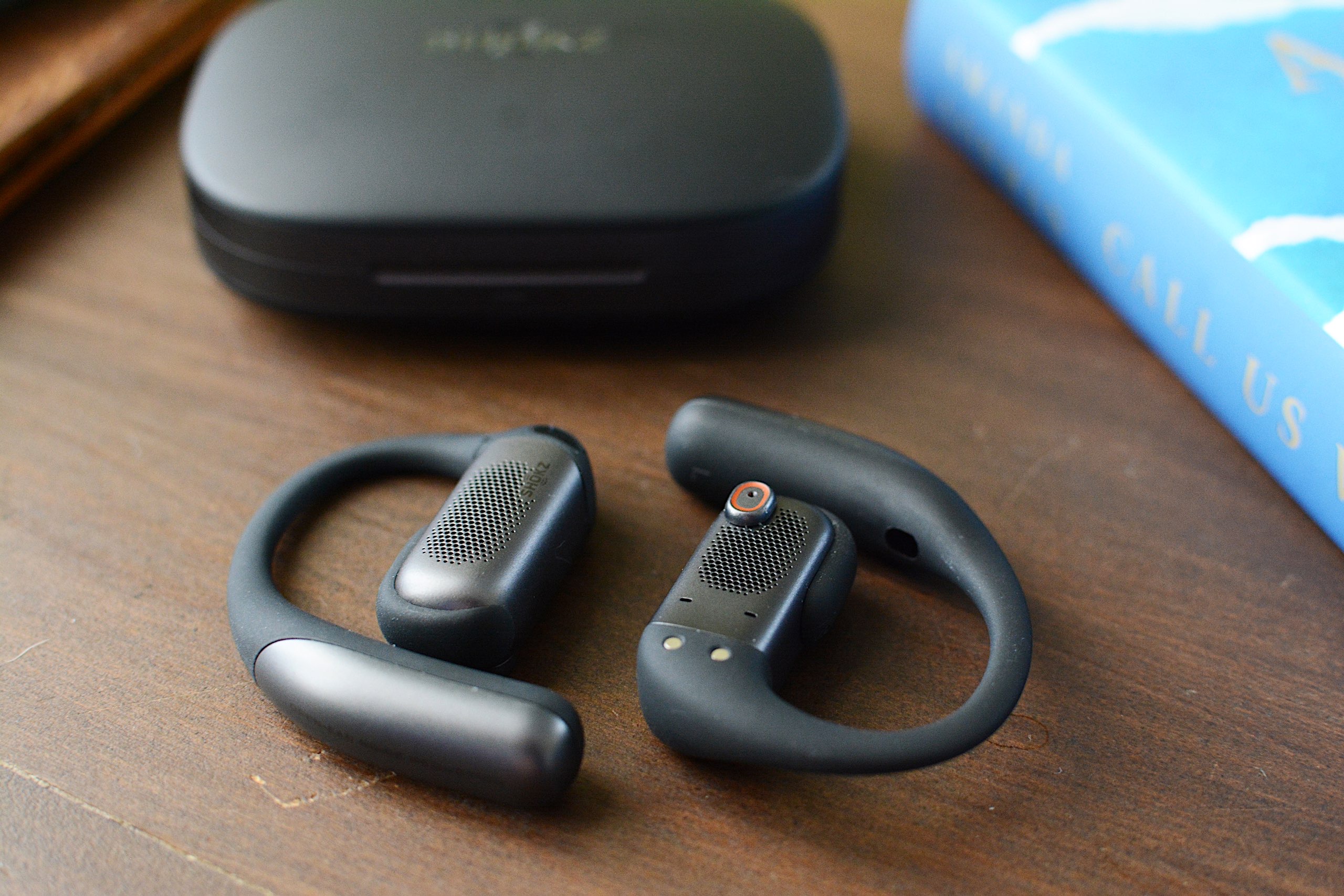 The rectangular housings of the OpenFit Pro hold larger drivers
Billy Steele for Engadget
The rectangular housings of the OpenFit Pro hold larger drivers
Billy Steele for Engadget
The OpenFit Pro is Shokz' most premium set of earbuds, so the features don't end at noise reduction. Head tracking, customizable EQ, multipoint pairing, find my earbuds and wear detection are also available here. The company's app displays battery percentages for each earbud and the case right at the top of the main screen with access to the rest of its tools just below. You don't have to go searching and tapping through menus until you've found what you're looking for. As someone who has to contend with a lot of headphone apps, I appreciate when all of the options are quickly available from the home screen.
Like other companies offer on their open-type earbuds, Shokz has given the EQ settings a few presets specifically designed for the open nature of the product. Those include a Vocal option that boosts mids for audiobooks or calls and a Private mode that reduces high frequency sounds to prevent leakage. I usually kept the OpenFit Pro around 70 percent volume, which is loud enough that a nearby neighbor in a quiet room could hear the muffled rage of Incendiary's "Echo of Nothing."
Another audio feature that's worth mentioning is Dolby Atmos support. More specifically, the OpenFit Pro is "optimized for Dolby Atmos," thanks in part to the aforementioned Dolby Head Tracking. You can disable the enhanced audio and head tracking individually in the Shokz app, but I found leaving Atmos on all the time, even when I wasn't listening to Dolby Atmos music, gave the earbuds a more immersive, more detailed sound profile.
Sound quality and callsOverall sound quality is another area where the OpenFit Pro shines. Many open-design earbuds struggle to manage much bass or detailed highs, both of which Shokz has addressed with its driver design. Dual 11x20mm diaphragms power a larger, rectangular driver that's the equivalent of a 16.7mm round driver in a "normal" set of earbuds. For comparison, most in-ear models typically use 10-12mm drivers, with smaller designs housing 6-8mm units. Shokz says it tuned the OpenFit Pro with what it calls OpenBass 2.0 and DirectPitch 3.0, features that provide better bass performance and audio that's beamed more directly into your ears.
All of that combines for some truly impressive audio performance in a set of open earbuds. The OpenFit Pro still doesn't muster the bombastic bass that earbuds like the WF-1000XM5 offer, but the low-end performance here is greatly improved over other open models like the LinkBuds Clip. While Thrice's "Silhouette" still has enough driving kick drum, bass guitar and riffs to do the track justice, there isn't as deep of a growl as the song has on flagship options from Bose, Sony and Sennheiser.
 The OpenFit Pro case is large, but it's not overly bulky
Billy Steele for Engadget
The OpenFit Pro case is large, but it's not overly bulky
Billy Steele for Engadget
There's also more clarity and detail in the tuning here than on other open models, which is on full display when listening to albums like Wet Leg's alternative masterpiece moisturizer. I love how I can hear the texture of the guitars and drums, and even the vocals, which are the kind of subtle details open earbuds typically lack.
I should also mention that overall sound quality will depend on how the OpenFit Pro sits on your ears. I can easily improve the bass tone if I slightly push the earbuds in closer to my ear canals, but all of the observations I just made were with the earbuds in their natural resting position.
Shokz says the three-microphone setup that assists with its noise reduction tech also helps with calls. That configuration, combined with AI-powered voice recognition, should be able to block over 99 percent of background noise and deliver sharper vocal clarity overall. While that first part holds true — the OpenFit Pro does a great job canceling any ambient roar — the overall voice quality here is below average. It will certainly work for casual chats, but I wouldn't recommend it for regular work calls or any scenario where you might need to record what you're saying. My voice sounded muffled during calls and voice memos, more like I would over speakerphone than a set of carefully tuned earbuds.
OpenFit Pro battery lifeShokz promises up to 12 hours of battery life on the OpenFit Pro with up to 50 hours of total use when you factor in the charging case. That's with noise reduction disabled though; you can expect up to six hours with that turned on (24 hours total with the case). During weeks of testing, I never encountered any issues hitting those figures and the OpenFit Pro never struggled to get through a full work day of music, podcasts and calls using a combination of the default Open Mode and Noise Reduction mode.
As I mentioned, the charging case can be topped up wirelessly if you have a compatible accessory that's large enough. And if you find yourself with a pair of completely dead earbuds, Shokz includes a quick-charge feature that gives you up to four hours of use in 10 minutes.
The competition The OpenFit Pro earbuds sitting in their charging case
Billy Steele for Engadget
The OpenFit Pro earbuds sitting in their charging case
Billy Steele for Engadget
If you're looking for something that closely resembles the design of the OpenFit Pro, Shokz' other OpenFit models are likely your best alternatives. The $200 OpenFit 2+ offers 11 hours of battery life and Dolby Audio with both physical buttons and touch controls. The most affordable option, the OpenFit Air ($120), lasts up to six hours on a charge but doesn't have enhanced audio or wireless charging. As you step down from the OpenFit Pro, you're missing out on noise reduction, Dolby Atmos and longer battery life.
JBL will soon have three models of its own to rival the Shokz OpenFit line. The Soundgear Sense is currently available for $165 and the Sense Pro and Sense Lite are coming in March for $200 and $150, respectively. These all have a variety of seemingly handy features, but none of them offer any kind of noise reduction and they all have shorter battery life than the OpenFit Pro and OpenFit 2+. I also cannot vouch for them as I haven't tested any of JBL's open designs yet.
Wrap-upShokz has achieved a rare feat. The company managed to build a set of open-fit earbuds that retain all of those inherent benefits while also providing some relief from distractions with noise reduction. No, the over-the-ear hook design isn't for everyone — especially if you wear glasses — but the comfy, secure fit and IP55 rating make these a great choice for workouts. The OpenFit Pro is also good enough to be your all-around set of earbuds, and that noise reduction can be beneficial in the office or your favorite work from home space. Sound quality is better than you'll find on most open earbuds as well, but you'll probably enjoy not having anything crammed into your ears most. And you don't have to make too many sacrifices here for that satisfaction.
This article originally appeared on Engadget at https://www.engadget.com/audio/headphones/shokz-openfit-pro-review-reducing-distractions-while-keeping-your-ears-open-130000443.html?src=rssAmazon has confirmed that it's letting go of 16,000 workers and employees across its organization. In an announcement by company SVP Beth Galetti, she explained that Amazon was going through organizational changes to reduce layers and remove bureaucracy. Affected employees in the US will be given 90 days to look for another internal role and will receive severance pay if they do not find any. Galetti also said that Amazon doesn't have plans to announce "broad reductions every few months" but admitted that the company could "make adjustments as appropriate."
News about the layoffs was leaked in an email mistakenly sent out early to workers, along with a calendar invitation for a meeting dubbed internally as "Project Dawn." In the email seen by Bloomberg and the BBC, Amazon Web Services Senior Vice President Colleen Aubrey told workers that their "impacted colleagues" from the US, Canada and Costa Rica had already been notified. "Changes like this are hard on everyone. These decisions are difficult and made thoughtfully as we position our organization and AWS for future success," Aubrey reportedly wrote in the email.
Amazon eliminated 14,000 roles back in October 2025 across its games, logistics, payment and cloud computing divisions, with the availability of AI technologies being one of the main reasons for the layoffs. "This generation of AI is the most transformative technology we've seen since the Internet, and it's enabling companies to innovate much faster than ever before," Amazon said in its announcement back then. This new round of layoffs is just a continuation of the previous one, as Amazon was reportedly looking to let 30,000 people go from the start.
The announcement comes shortly after Amazon revealed that it was shutting down its remaining Amazon Go and Amazon Fresh physical stores and will focus on grocery deliveries instead. To note, Amazon's year-over-year net sales grew by 13 percent in the third quarter of 2025 alone. Its net income increased to $21.2 billion compared to the $15.3 billion it posted in the third quarter of 2024.
This article originally appeared on Engadget at https://www.engadget.com/big-tech/amazons-latest-round-of-layoffs-will-affect-16000-workers-120000702.html?src=rssWindscribe is a virtual private network (VPN) with intense "How do you do, fellow kids?" energy. It has servers in 69 countries and an annual plan that costs $69, an obsession with the sex number that rivals Elon Musk's. I'm shocked that it doesn't have a subscription costing $4.20 per month.
But there's another side to Windscribe's cringe: an obsession with independence and a Bernie Sanders-like anger on behalf of an exploited public. In a market where the best VPNs aim for professionalism, Windscribe aspires to be punk. Its iconoclasm may have led it to develop an app that looks like ExpressVPN in a trash compactor, but it also spurred Windscribe to offer a strong free plan and forgo financial relationships with VPN reviewers. That attitude earned it a spot on my list of the best free VPNs.
Although Windscribe's heart is in the right place, my job is to figure out whether that translates into a good product. I used our rigorous VPN testing procedure to rate Windscribe in 11 categories. You can find my results in the table below and a final verdict at the end of the review.
Editor's note (1/27/26): We've overhauled our VPN coverage to provide more detailed, actionable buying advice. Going forward, we'll continue to update both our best VPN list and individual reviews (like this one) as circumstances change. Most recently, we added official scores to all of our VPN reviews. Check out how we test VPNs to learn more about the new standards we're using.
Findings at a glance
Category
Notes
Installation and UI
Installation and setup are always straightforward
Apps look very similar on Windows, macOS, iOS and Android
App design is overly compact and often impenetrable, but hides a solid program
Browser extensions allow one-click bypassing of security features on the current page, much like common ad blockers
Speed
Average latency below 300 worldwide
Some slowdown in download and upload speeds, but not severe
Speeds were highly consistent everywhere except some African servers
Security
Six solid protocols — WireGuard, IKEv2, and four based on OpenVPN
Most protocols available on all platforms, except IKEv2 on Android
No leaks detected, even while switching servers
Packets are encrypted as expected
Pricing
$9 per month, $69 for one year ($5.75 per month)
Custom plans cost $1 per country plus $1 for unlimited data; must spend at least $3
Static IPs available for $2 per month or $8 per month for a residential address
Free plan gives you 10 locations and 10GB per month with a confirmed email
Bundles
Shares coupon codes for various discounts on five "partners in privacy"
Privacy policy
Retains very little information, none of it personally identifiable
Can make an account without an email address
All apps have been audited by independent overseers
Fought Greek court case in 2025 because it had no logs to turn over
Virtual location change
15 different servers in five locations unblocked Netflix
Content changed each time, suggesting the destination site was completely fooled
Server network
193 server locations in 122 cities across 71 countries
Only two virtual server locations in the entire network
Real servers in Russia and India risk abrupt shutdowns
Features
Standout extras include the customizable R.O.B.E.R.T blocker and split tunneling on Windows, Mac and Android
Network Options offers lots of automation choices, but terminology makes it needlessly confusing
Includes obfuscation to get online in restrictive regions
Firewall is a stronger version of a kill switch, preventing any access unless the VPN is connected
Customer support
Knowledgebase search bar is good at finding articles, and articles themselves are useful
Garry AI chatbot is helpful, but pushed way too hard at the expense of access to human agents
Active Reddit and Discord communities for peer-to-peer help
Background check
Founded in Canada in 2016
No significant controversies in 10 years
Canada is a Five Eyes nation, but this shouldn't matter if Windscribe is keeping to its no logs policy
Installing, configuring and using WindscribeThe first step is always to figure out how easy or hard the VPN is to use. Windscribe and other VPNs are important tools, but you'll never use them if the UI gets in the way. I tested Windscribe's desktop apps on Windows and Mac, its mobile apps on iOS and Android and its Chrome and Firefox browser extensions.
To start with, let me say that installing Windscribe is a breeze no matter where you do it. The downloaders and installers handle their own business, only requiring you to grant a few permissions. The apps arrive on your system ready to use out of the box.
WindowsThe first thing you'll notice about Windscribe is that it's not even slightly interested in looking like any other VPN. It crams everything into an extremely compact window, which has some advantages — mainly that it's easy to operate it while looking at another app. On the downside, well, it looks like this.
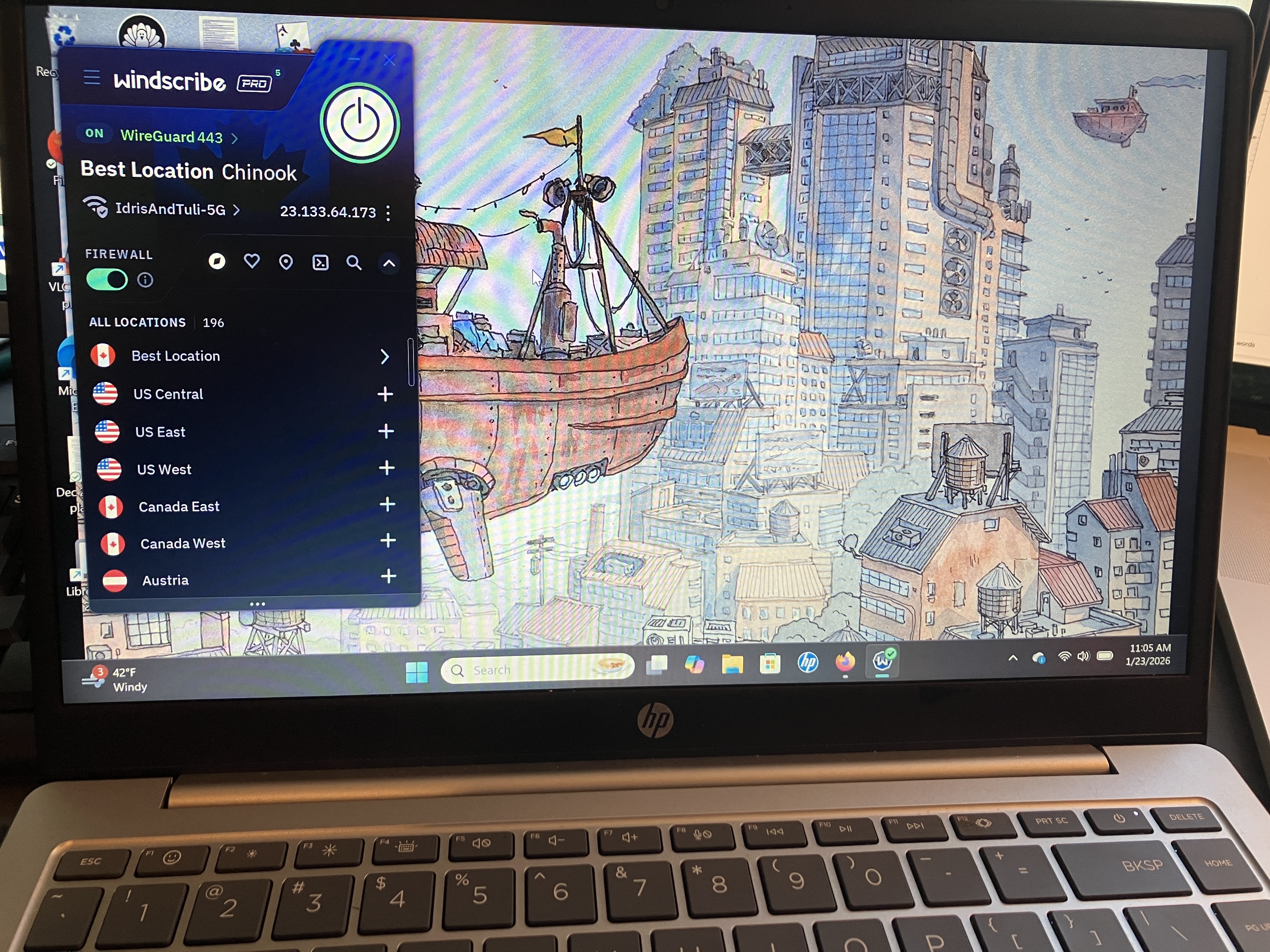 Windscribe's UI on a Windows laptop.
Sam Chapman for Engadget
Windscribe's UI on a Windows laptop.
Sam Chapman for Engadget
The Windscribe team will probably just say that I'm brainwashed by the establishment, but there's a good reason that most VPNs choose designs with a little more space. This fiddly console, most of which is taken up by information you can't interact with, is likely to confirm all a newcomer's worst fears about using a VPN. Private Internet Access had a similar problem of tightening its app design to the point of being incomprehensible.
The problems persist when you get to the settings page. It's easy to make sense of a VPN without technical knowledge, but Windscribe's preferences menu does everything it can to obscure that truth. Highly technical features are mixed in with options for casual users, and the explanatory blurbs usually cloud the issue even further.
Even the "Look & Feel" settings somehow manage to be confusing. What is the difference between the Stretch, Fill and Tile modes for aspect ratio? What the heck is a Bundled background, and what does it matter whether it's Square, Palm, Ripple, Drip or Snow? The answers to all these can be found by playing around or looking in the knowledgebase, but a VPN really shouldn't require that for its most basic toggles.
Once you get used to Windscribe and learn where to find the features that actually matter, it runs quite smoothly. Connections are never delayed and there are none of the random error messages that have dogged me on other VPNs. In a world of VPNs that look great but run clunkily, Windscribe has built one that looks terrible but runs great. I can't complain about how well it works, but is it too much to ask for a provider that does both? (Oh, wait, that's Proton VPN.)
MacWindscribe's macOS app is almost identical to its Windows app. That deserves praise in itself — you'll get much the same experience no matter which type of computer you use. But it also means the Mac app shares the same problems.
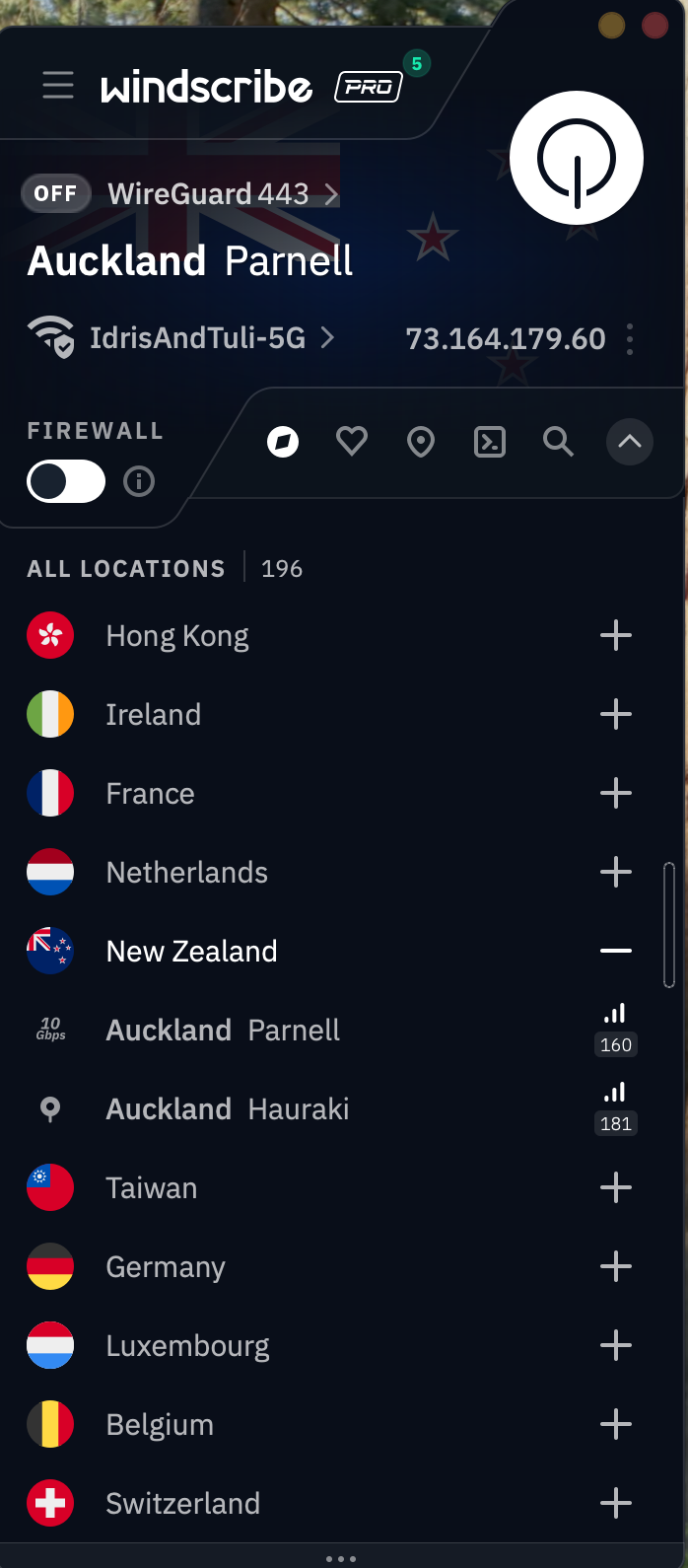 Windscribe's app for Mac desktops and laptops.
Sam Chapman for Engadget
Windscribe's app for Mac desktops and laptops.
Sam Chapman for Engadget
There's the same overly compact design cluttered with too much information. The same technobabble-filled options menu. And the same fundamental solidity underlying it all: a VPN that does the job beautifully but has no interest in being accessible. It would be a mistake to write Windscribe off because of its app design, but it's important to know what you'll have to work through.
AndroidOne thing I can't fault Windscribe for is a lack of consistency. The Android app looks a lot like the Windows and Mac apps, only lightly adapted for the mobile format. On these devices, the design decisions make more sense — the UI writing is still impenetrable for casual users, but the compact pages look a lot more normal on a phone screen.
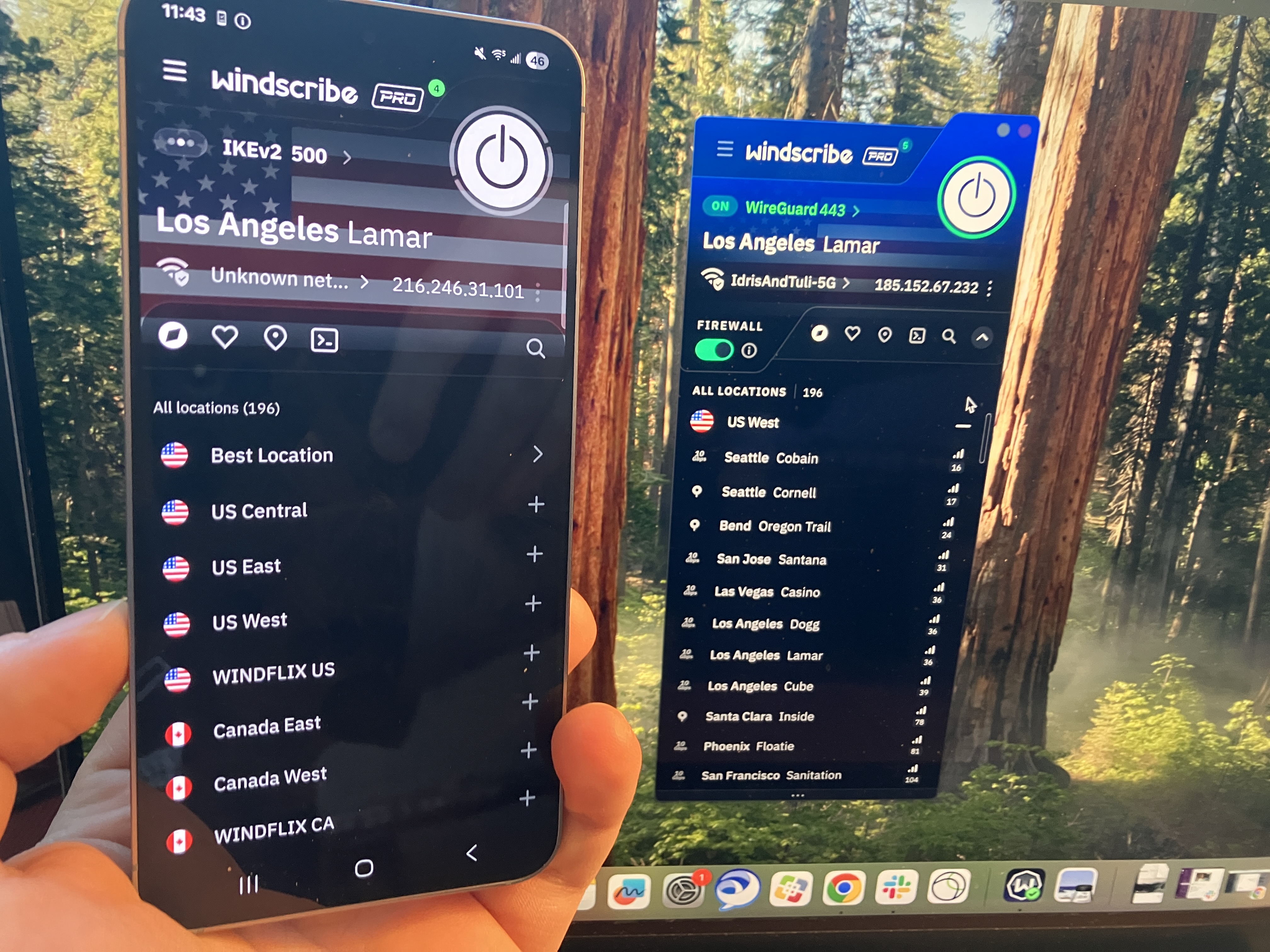 A comparison of Windscribe's extremely similar apps on Android and Mac.
Sam Chapman for Engadget
iOS
A comparison of Windscribe's extremely similar apps on Android and Mac.
Sam Chapman for Engadget
iOS
There's not a lot to say about Windscribe on iOS that I haven't already said about the other three main platforms. Looking over all my screenshots, it seems fairly clear that Windscribe's problems — much like PIA's — come from starting on mobile and trying to make that same design work on desktop. It's still not great to look at, but I can at least see where they're coming from.
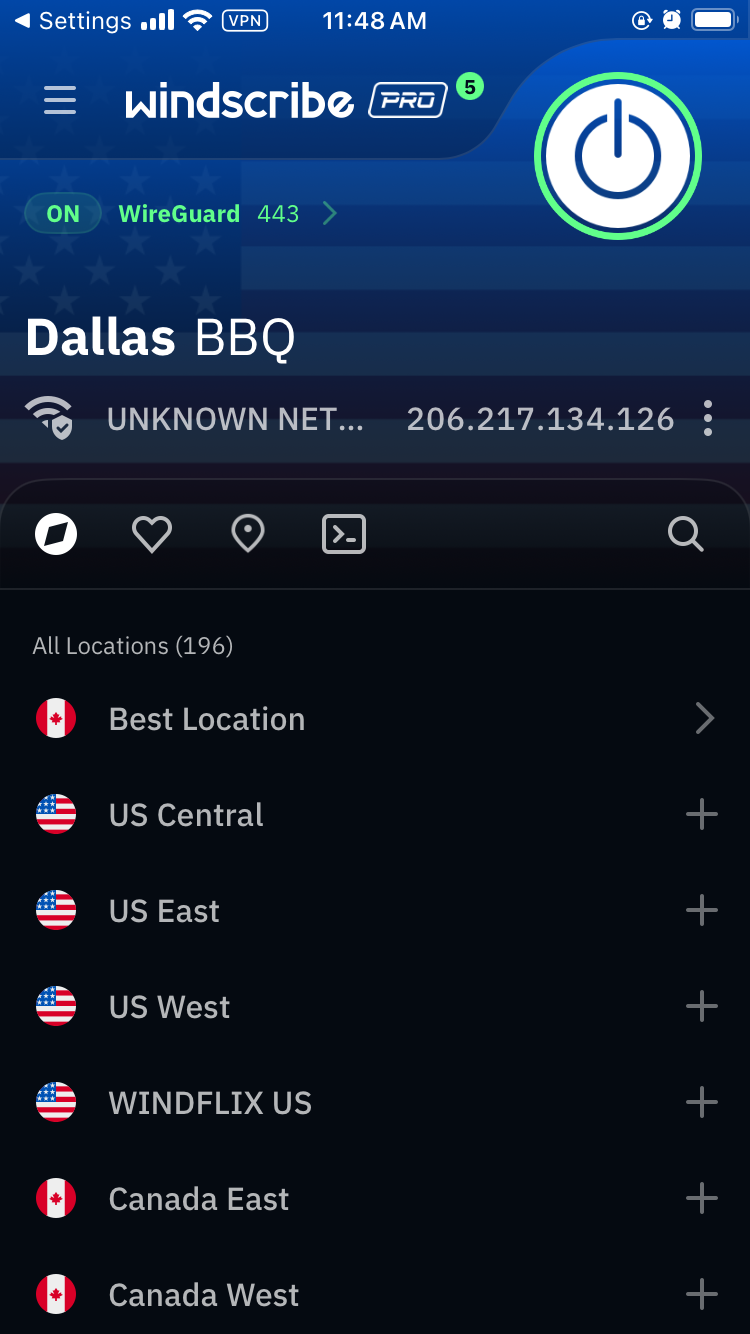 Windscribe's iOS app.
Sam Chapman for Engadget
Browser extensions
Windscribe's iOS app.
Sam Chapman for Engadget
Browser extensions
Windscribe's extensions for Chrome and Firefox look a little like its desktop and mobile VPN apps, but they act a little differently. They serve the same basic purpose as the standalone apps — changing your IP address and location — but they're also customizable ad blockers for the web page you're currently on.
 Windscribe's Google Chrome extension.
Sam Chapman for Engadget
Windscribe's Google Chrome extension.
Sam Chapman for Engadget
For example, in the image above, I can control what location Google perceives me to be in. But I can also control what gets blocked by choosing to let Google bypass certain features. Clicking the leftmost button makes the current website skip the VPN tunnel. The central button shuts off the ad blocker and the right-hand button shuts off the features on the Privacy section of the preferences menu. Like everything else about Windscribe, it's unintuitive but works great once you figure it out.
Windscribe speed testI used speedtest.net to test Windscribe's speeds. In case you aren't familiar with the jargon, Ping measures a server's latency, which is how long it takes a single packet of data to reach it from your device. Download speed measures how much data can be downloaded at a time, while upload speed shows how quickly you can send data to the network. Think of ping as your car's speed in miles per hour and download and upload speed as the amount of traffic on the road.
As usual, I used the WireGuard protocol to run these tests, since it's almost always the fastest. Starting with my unprotected speeds at home in Portland, I moved gradually farther away until I was connecting to the other side of the world. Ideally, ping should increase linearly (not exponentially), while download and upload speeds don't dip much at all. I've recorded Windscribe's performance in the table below.
Server location
Ping (ms)
Increase factor
Download speed (Mbps)
Percentage drop
Upload speed (Mbps)
Percentage drop
Portland, USA (unprotected)
22
—
59.35
—
5.92
—
Vancouver, Canada (fastest location)
27
1.2x
55.89
5.83
5.56
6.08
Boston, USA
161
7.3x
48.49
18.30
5.66
4.39
Quito, Ecuador
283
12.9x
46.46
21.72
4.68
20.95
London, UK
287
13.0x
43.70
26.37
4.51
23.82
Nairobi, Kenya
595
27.0x
32.63
45.02
3.57
39.70
Seoul, South Korea
258
11.7x
43.27
27.09
4.48
24.32
Average
269
12.2x
45.07
24.06
4.74
19.93
Windscribe gave me some of the shortest latencies I've ever seen — comparable to CyberGhost, whose ping lengths I was also very impressed by. Its download and upload speeds also look a lot like CyberGhost's, with both firmly in good-but-not-amazing territory.
However, Windscribe's speeds were a lot more consistent. Throughout the tests, I hardly ever saw major fluctuations in the same location, on any metric. The Nairobi server seemed to be under some strain, but that's not unusual for a VPN in Africa. Every location except for that one followed a smooth downward curve. I'm happy with that; speed is one of the areas where you want your VPN to be reliably boring, not flashy.
Practically, a speed test like this suggests that Windscribe is best for gaming, livestreaming and video chatting, and that it's perfectly serviceable for any other task you could do online. You may not get the best speeds you've ever seen, but unless your internet is bad to begin with, Windscribe should not slow it down enough to be noticeable.
Windscribe security testI can say up top that Windscribe doesn't seem to have any dangerous security flaws, but I'll take this section to explain why I think that. To start with, it uses only the three VPN protocols currently known to be secure: WireGuard, OpenVPN and IKEv2, plus a few other options all based on OpenVPN. With those options, you can be sure you're getting encryption that's currently uncrackable.
It also passed two batteries of tests I ran on its security. The first set of tests looks for DNS leaks, WebRTC leaks and other slip-ups that might reveal your real IP address. The second checks whether data packets sent through the VPN tunnel are actually getting encrypted. Check each section below for details on how Windscribe did.
VPN protocolsA VPN protocol determines how exactly a VPN makes contact between its own servers, your device and your ISP. Certain protocols can make your VPN run faster, stabilize a shaky connection or get into websites other protocols fail to unlock. If you're having a problem with your VPN, changing the protocol is one of the first troubleshooting steps.
Windscribe makes a total of six protocols available, though it's really just three, since four of the six are variations on OpenVPN. WireGuard works on every platform, and is currently the fastest and most stable — its drawback used to be that it was new, but with the passage of time, it's no longer new enough to make it suspect.
IKEv2 is a connection protocol that uses the separate IPSec protocol for its security. This double team's main strength is reconnecting to the VPN when a device switches networks; it's also good at not draining phone batteries. Windscribe supports IKEv2 on Mac, iOS and Windows.
OpenVPN is the oldest open-source VPN protocol, refined by over a decade of repeated probing by volunteers. It's not only relatively fast and highly secure, but comes in two flavors: TCP, which makes connections more stable, and UDP, which is usually faster and should be your first resort with OpenVPN. Windscribe supports OpenVPN on all platforms.
Windscribe rounds out the selection with two unique protocols, both focused on hiding your VPN traffic from firewalls and censors. Stealth uses the same connection ports as HTTPS, so it can't be blocked by shutting certain ports down entirely. WStunnel obfuscates connections even further by using the extremely common WebSocket technology to establish VPN connections. Both these proprietary protocols are much slower than the other options, but can save you if you find yourself repeatedly blocked while using Windscribe.
Leak testI started my leak tests by using ipleak.net to check several Windscribe servers for IP leaks of all sorts. Each time I connected and checked my location, I only saw the VPN server's IP address, never my real one. I tried to trip Windscribe up by switching servers while remaining connected, even changing continents, but my true location never once slipped out. This puts its security solidly above CyberGhost, Norton VPN and many others.
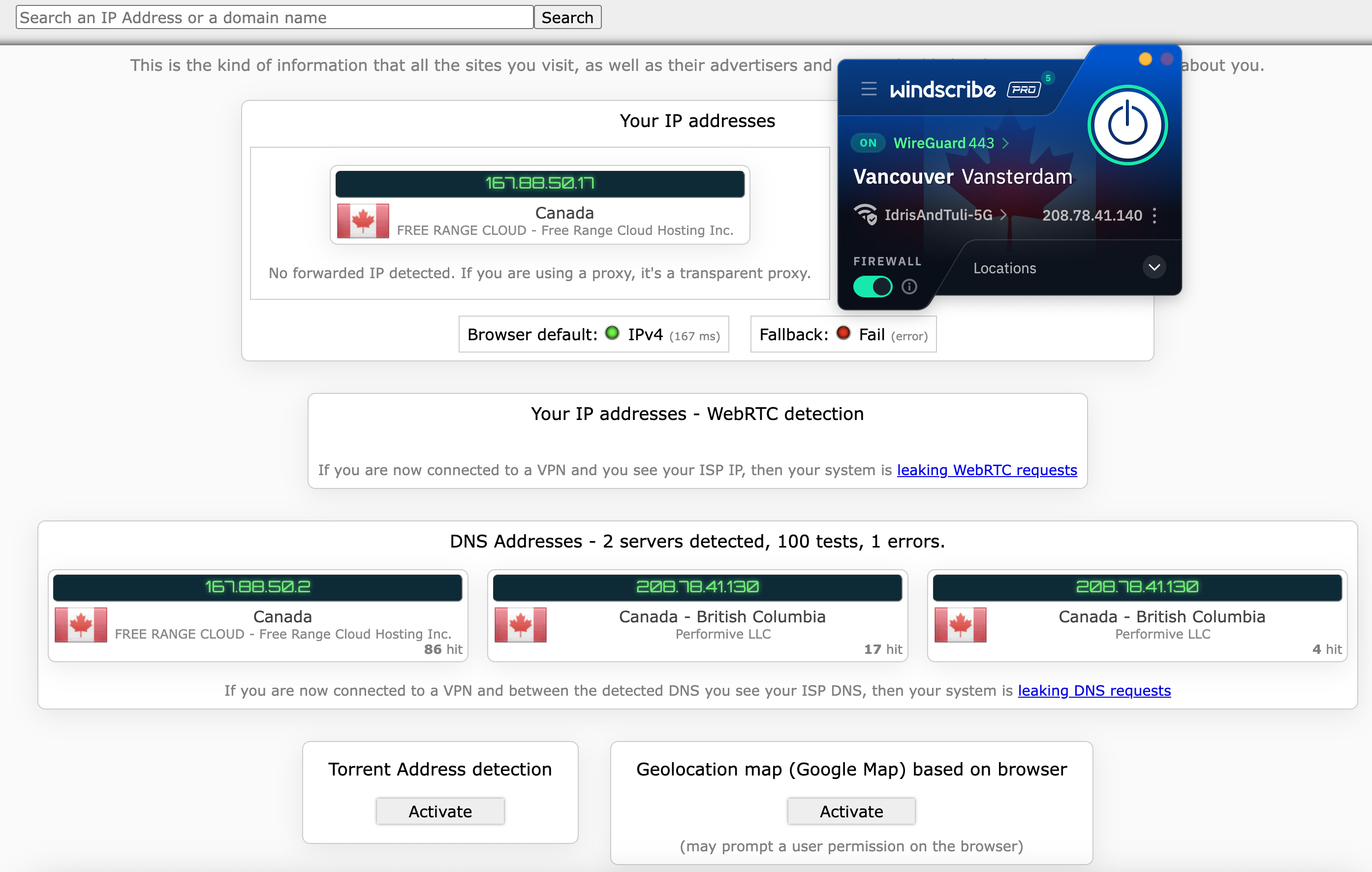 I couldn't find any holes in Windscribe's armor.
Sam Chapman for Engadget
I couldn't find any holes in Windscribe's armor.
Sam Chapman for Engadget
Windscribe automatically blocks IPv6 traffic while connected, so IPv6 leaks weren't going to be a thing. I finished the test by checking five servers using browserleaks.com/webrtc, finding no issues each time.
Encryption testThe final step is to make sure Windscribe is applying encryption properly through its VPN protocols. For this test, I used a free packet sniffer app called Wireshark to look directly at what my computer was sending out.
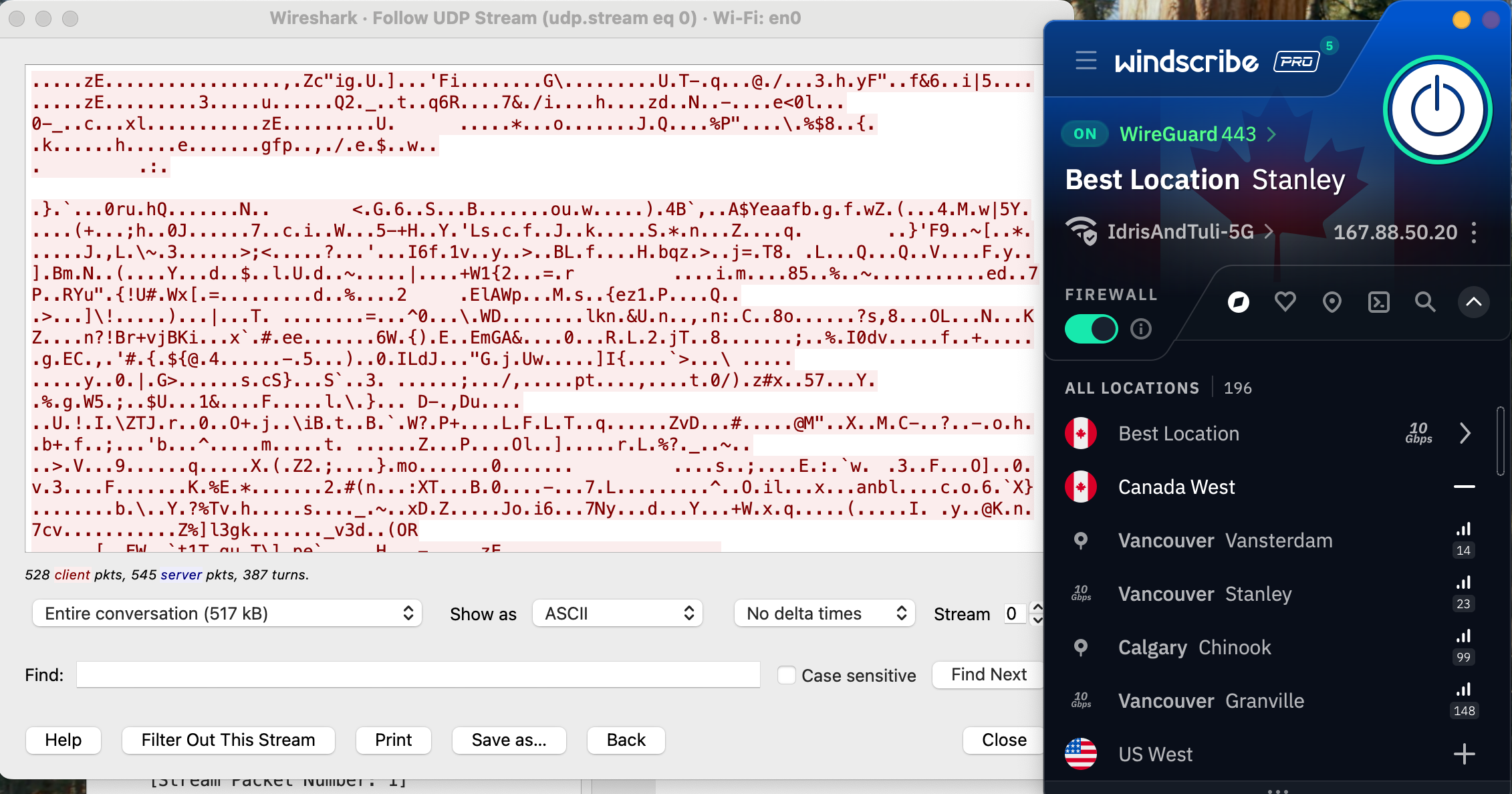 Windscribe's encryption looks solid.
Sam Chapman for Engadget
Windscribe's encryption looks solid.
Sam Chapman for Engadget
It's a bit hard to tell what's going on, but to summarize, I've loaded a website without HTTPS protection and checked whether Windscribe managed to apply that protection. The lack of readable information in the data stream proves that its encryption is indeed working as expected.
How much does Windscribe cost?Windscribe has three subscription options (not counting its free plan, which I'll discuss in a moment). One month of Pro service costs $9.00 — after Mullvad, the second-cheapest monthly subscription to a top-tier VPN. You can also pay $69 for a 12-month Pro subscription, working out to $5.75 per month. Both of these tiers give you the exact same set of Pro features and can be used on unlimited simultaneous devices.
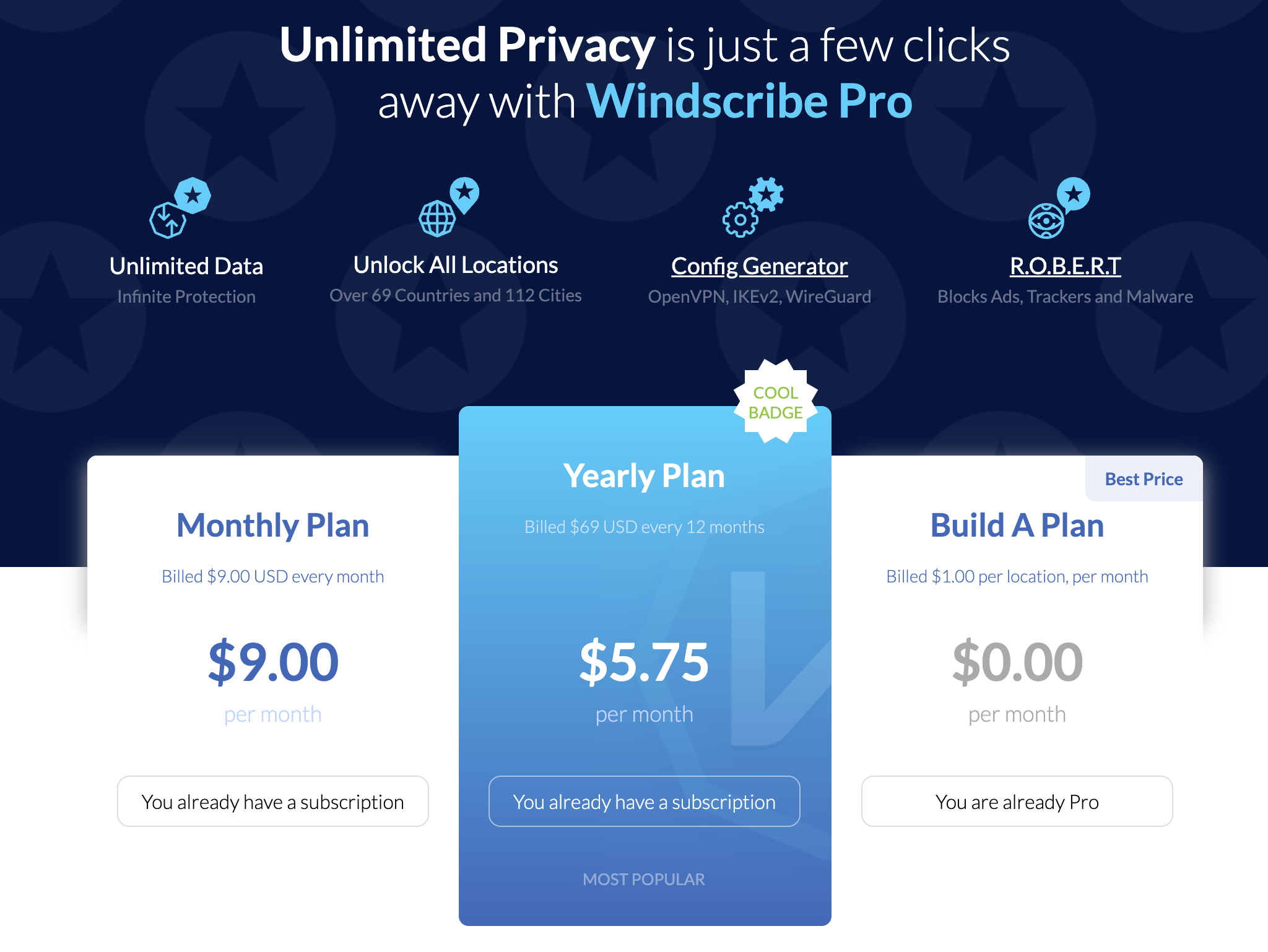 The cost of Windscribe Pro at publication time.
Sam Chapman for Engadget
The cost of Windscribe Pro at publication time.
Sam Chapman for Engadget
The third option is to build your own plan. Build-A-Plan is an interesting beast that's unique to Windscribe. When you choose a custom plan, you must spend at least $3 per month. Gaining access to all the Pro servers in a country costs $1. For each country you add, you get an additional 10GB of data per month on top of the 10GB already included for free.
If you'd rather not budget your data at all, you can pay another $1 for unlimited data, plus 10 custom rules for the R.O.B.E.R.T. content blocker (I'll untangle the tortured acronym soon). It's a little convoluted, but wonderfully flexible. You can even change your Build-A-Plan in the middle of the subscription period.
Windscribe also offers shared static IPs for an extra fee. You can add a datacenter IP to any plan for $2 per month or a residential IP (usually better at getting around restrictions) for $8 per month. Team billing is also available through ScribeForce at $3 per seat per month, including a centralized management panel.
The Windscribe free planWindscribe isn't the overall best free VPN — hide.me wins that honor with its more flexible data limit — but it's close. Free users get access to servers in 10 countries: the US, Canada, the UK, the Netherlands, Norway, France, Germany, Switzerland, Romania and Hong Kong. If you plot that on a map, you'll see that the Windscribe free plan is most useful in North America and Europe.
Free users start with a data allotment of 2GB per month. The monthly limit rises to 10GB if you sign up with a confirmed email address and 15GB if you post about Windscribe on Twitter/X. That's enough for casual browsing, but streaming in standard definition takes about 1GB per hour, so you won't be doing much binge-watching.
On the upside, a free plan gives you access to all Windscribe's features except for dynamic port forwarding. You can set three R.O.B.E.R.T. rules and use your free account on an infinite number of devices (subject to the usual restrictions about exploiting that for commercial purposes — as Windscribe itself states, no one person has 30 devices that need a VPN).
Windscribe side apps and bundlesWindscribe doesn't have any add-ons of its own except for static IP addresses. However, it does offer discount codes for a group of "partners in privacy" that share its business ethics. The coupon codes are available here and don't require a Windscribe subscription to use.
 The five members of Windscribe's gang.
Sam Chapman for Engadget
The five members of Windscribe's gang.
Sam Chapman for Engadget
There are currently five allies in the gang. Control D offers DNS filtering for organizations to block unwanted websites; the Windscribe coupon gives you 50 percent off. You can get 25 percent off a one-year subscription to addy.io, an open-source email anonymizer, and Ente, an encrypted storage space for photos and videos.
Rounding out the team are Kagi, a private search engine which you can use for three months free with the Windscribe coupon, and Notesnook, an encrypted notes app. Windscribe's coupon gives you a 10% discount on Notesnook's yearly plans in perpetuity.
Close-reading Windscribe's privacy policyWindscribe's marketing positions it as serious about user independence, so I came into this section hoping for a privacy policy that backs those words up. An early green flag is that the policy is short, succinct and obviously written to be read by the users themselves. It's also fantastic that you can sign up without an email address (though you will need one to get the full data allotment on the free plan).
Windscribe gathers information on its website using Piwik, an open-source analytics tool that it manages itself; no third parties are involved. The Windscribe app itself collects no information except for the amount of data used in a month, the time of your last connection and the number of devices you have online at once. When actively connected, it also gives you an anonymized username necessary for the OpenVPN and IKEv2 protocols.
My only quibble is that Windscribe is oddly reluctant to identify which third-party payment processors it uses. The information does exist elsewhere — an article in the knowledgebase states that payments are handled by "trusted third party processors such as PayPal and Stripe," and another page says that CoinPayments handles cryptocurrency transactions. It's a small thing, but the rest of the policy is so airtight that it stands out.
Independent privacy auditsWindscribe's apps are fully open-source (you can find them on Github here). In addition to this general exposure, it's also undergone three intensive audits from security firms. Leviathan Security looked into its desktop apps in 2021 and its mobile apps in 2022. The auditors made a total of five high-severity recommendations, all of which Windscribe claims to have addressed.
More recently, Windscribe had its entire codebase audited by PacketLabs. The auditors' June 2024 report found that some of Windscribe's code was storing more user information than it strictly needed to. Windscribe also claims to have handled this risk. More importantly, PacketLabs found no intentional subversions of Windscribe's no-logs policy, so its privacy statements can likely be trusted.
Further corroboration of the latter came from a 2025 court case in which Windscribe founder and CEO Yegor Sak was indicted in Greece and charged with a crime committed by a Windscribe user through an IP address in Finland. This case is obviously absurd — like charging the head of GM with a single instance of vehicular manslaughter committed by someone driving a Buick — but Sak was obliged to appear in court anyway.
As Sak writes in the linked post, he could have turned over the logs and shown who actually committed the crime, but he couldn't since Windscribe doesn't keep that information. Had there been an alternative to waging an expensive and inconvenient legal campaign in another country, Sak would surely have taken it. The fact that he didn't is strong proof of Windscribe's no-logging policy.
Can Windscribe change your virtual location?Changing your IP address with a VPN can do more than just anonymize your internet activity. A service like Windscribe can give you an IP address associated with a certain country or region, letting you use the internet like you were there. This has applications ranging from the serious (break out of a nationwide firewall to document human rights issues) to the fun (get new titles on streaming platforms without paying for a new subscription).
Netflix is a great tool for testing whether a VPN can change your virtual location. Like most streamers, it tries to block all VPN access to protect the copyrights it holds. Consequently, if a VPN can crack Netflix, it must be serious about keeping its server network fresh to foil any potential blockers.
 A successful location change on Netflix using Windscribe.
Sam Chapman for Engadget
A successful location change on Netflix using Windscribe.
Sam Chapman for Engadget
For this test, I tried to access Netflix three times each through five different Windscribe server locations, refreshing the connection to use different servers each time. I looked for successful Netflix access, plus different content to prove my location had actually changed.
Server location
Unblocked Netflix?
Changed content?
Vancouver, Canada
3/3
3/3
Queretaro, Mexico
3/3
3/3
Tokyo, Japan
3/3
3/3
London, UK
3/3
3/3
Auckland, NZ
3/3
3/3
Windscribe got a perfect score. Netflix loaded easily every time, and the content was always localized to the country I chose. With this performance combined with its fairly consistent speeds over long distances, Windscribe makes a nearly perfect streaming VPN. The only downside is that the data limits on the free plan mean you'll probably have to pay for serious streaming time.
Investigating Windscribe's server networkWindscribe has 193 server locations in 71 countries, which it insists on listing as "69+" (again, hilarious). Although 193 sounds like a lot, many of them are duplicate locations in the same city. This isn't necessarily a problem, but for accuracy's sake, the total number of cities with Windscribe servers is 122.
Region
Countries with servers
Cities with servers
Total server locations
Virtual server locations
North America
6
40
61
0
South America
7
7
9
0
Europe
38
47
75
0
Africa
3
3
5
0
Middle East
2
2
2
0
Asia
12
16
28
1
Oceania
2
6
12
0
Antarctica
1
1
1
1
Total
71
122
193
2 (1 percent)
The bigger story here is Windscribe's spurning of virtual servers. A virtual server location is physically located in a different region than the one it outwardly displays. For example, a server with an Indian IP address might really be in Singapore. Throughout the entire Windscribe network, only two servers are virtual: one in India and one in Antarctica.
This is both good and bad. On the positive side, the near-total lack of virtual servers means you can be sure of how any server will perform. If it says it's in Buenos Aires, it'll run like it's in Buenos Aires — you won't be surprised with lagging speeds because it's really in Miami. This also makes it clear that Windscribe isn't interested in pumping up its network size for marketing purposes.
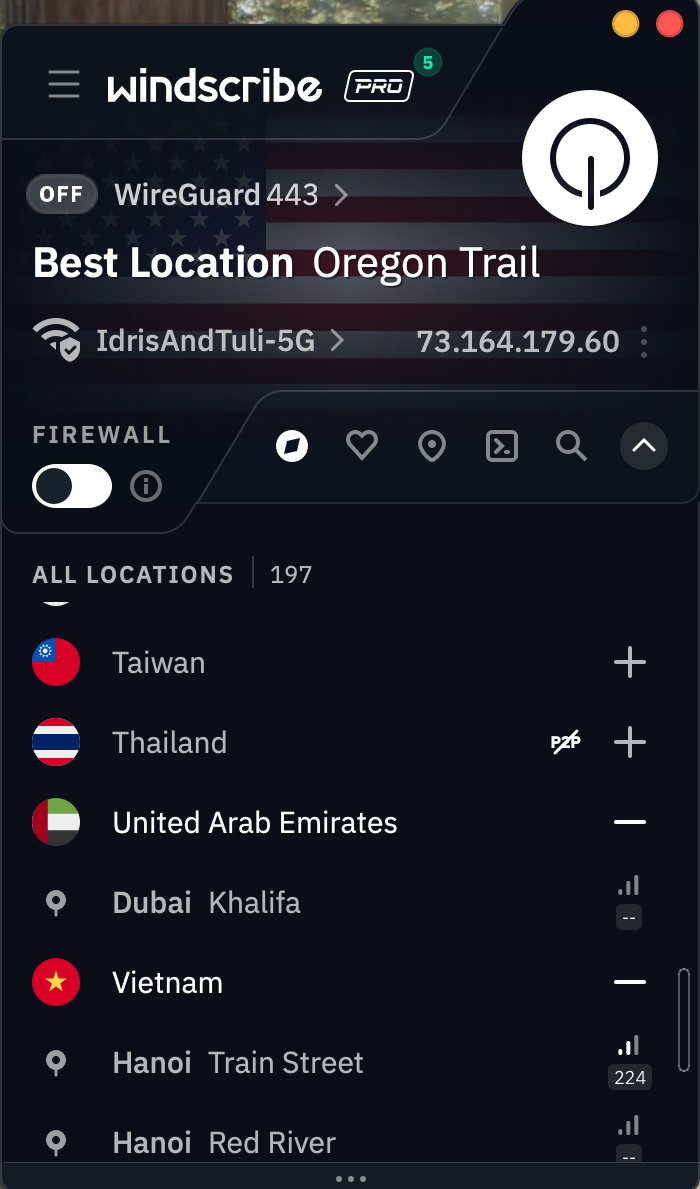 Windscribe's server selection list on the Mac app.
Sam Chapman for Engadget
Windscribe's server selection list on the Mac app.
Sam Chapman for Engadget
On the other hand, virtual locations aren't an inherently bad thing. Windscribe acts as though advertising hype is the only reason any VPN would employ them, but there are real use cases. Virtual servers can be used to place locations inside countries where real servers would risk confiscation by the government, like Russia, India and China. Windscribe chooses instead to place real servers in Russia and India, both of which have data retention laws that directly conflict with its own privacy policy.
Does this mean that using Windscribe's Russian servers will earn you a midnight visit from the FSB? Probably not. Assuming Windscribe is following its no-logs policy (which appears to be the case), there won't be any user data on those servers if the government seizes them. But it does mean they're effectively running illegal data centers which could be raided and shut down at any time. Be aware of this if you depend on Windscribe's locations in Russia or India.
Extra features of WindscribeAs covered in the UI section, Windscribe has a lot going on in its apps. The Connection tab alone has 13 different features, including two submenus with several options of their own. With this many options, and so many of them highly situational, I won't be able to cover every nook and cranny without this review getting seriously bloated. I've instead chosen some of the most important and illustrative features to give you a clear sense of the whole picture.
Network OptionsYou'll find this feature at the top of the Connection tab. When you click Network Options, you should see the name of your current Wi-Fi network and all the others your Windscribe account has discovered. This feature lets you control how the VPN reacts to each network it encounters, not unlike CyberGhost's Smart Rules.
 Just switching around a few terms would make this a lot less confusing.
Sam Chapman for Engadget
Just switching around a few terms would make this a lot less confusing.
Sam Chapman for Engadget
The app does a remarkably poor job of explaining how this works, so I'll break it down for you here. When the Auto-Secure Networks switch is turned on, Windscribe will automatically mark each new network as Secured — a word which here means "Windscribe turns on when it encounters the network."
So far, so good. But if you turn Auto-Secure Networks off, things get weird. Without it, Windscribe tags every network you encounter as Unsecured. Whenever you connect to an Unsecured network, Windscribe immediately disconnects itself. This means it secures all Secured networks and does not secure any Unsecured networks.
It feels backwards until you realize that Windscribe is referring entirely to itself here. "Secured" doesn't mean that the Wi-Fi network is password-protected or otherwise considered safe, and "Unsecured" doesn't mean that it's open to the public without a password. All that matters is whether or not you want Windscribe to activate or deactivate on that network. It's a useful feature that even lets you choose a VPN protocol for each network, but it would help to bring it more in line with mainstream terminology.
R.O.B.E.R.T.This mouthful of a feature name allegedly stands for Remote Omnidirectional Badware Eliminating Robotic Tool. This is perhaps the apex of the VPN industry's unfortunate habit of saddling perfectly good features with word-salad names (yes, I'm aware it's supposed to be funny).
R.O.B.E.R.T. is perhaps the most customizable content blocker on any VPN right now. To start with, it includes eight lists of sites it blocks at the DNS level: Malware, Ad + Trackers, Social Networks, Porn, Gambling, Clickbait, Other VPNs and Crypto. These vary in usefulness, and you can't determine the contents of each list, but it's nice to have such a range of choices.
 It eliminates all the badware, remotely AND omnidirectionally!
Sam Chapman for Engadget
It eliminates all the badware, remotely AND omnidirectionally!
Sam Chapman for Engadget
Where R.O.B.E.R.T really shines, though, is in its browser-based customization dashboard. Each Free user can make three custom rules, and Pro upgrades that to 10. Each custom rule can be used to block a specific website or network or allowlist it from one of the other general blocklists. You can also set it to spoof a domain, though there's no practical reason to do this (Windscribe's idea of a "useful" application is making your friends think your post made the front page of Reddit).
Split tunnelingSplit tunneling sends some of your internet requests through the VPN tunnel while others go unencrypted as normal. This can be useful if you get worse-than-usual speeds and want to minimize the amount of traffic going through the VPN, or for certain websites that refuse to work with any VPN server.
You can split tunnel on Windscribe's apps for Windows, Mac and Android. Windows and Android users can split by app or website, while Mac users can only split by website. Windscribe lets you choose whether your split tunnel will be inclusive (only apps and IPs on the list will go through the VPN) or exclusive (the apps and IPs on the list will not go through the VPN). Note that R.O.B.E.R.T. rules apply to the entire system, even excluded apps and domains.
Firewall and Always On VPNInstead of a kill switch, which it derides as an incomplete solution, Windscribe includes a Firewall feature on desktop and an Always On VPN feature on mobile. The Firewall can be considered a strong kill switch that prevents any internet traffic from going outside the VPN tunnel — something doesn't have to go wrong for the blocks to activate. Always On VPN on iOS and Android is functionally the same.
A more proactive defense has its advantages, but it would be nice if Windscribe included the weak kill switch option. Kill switches and firewalls can be overactive, and sometimes, you don't want the strongest level of security.
Circumvent CensorshipThis feature is designed to let you access Windscribe on networks that don't want you to use a VPN, from school and work systems to entire censorious countries like China. Windscribe isn't forthcoming about how it works, but it's probably a deep-packet obfuscation that makes VPN traffic look like regular traffic. I didn't have time to pop over to China and test Circumvent Censorship, but I'm glad it exists.
Windscribe customer support optionsClicking the question mark tab on the Windscribe app shows you the full list of support options. You can peruse the knowledgebase, ask their chatbot Garry, talk directly to a human or check out their user communities on Reddit and Discord.
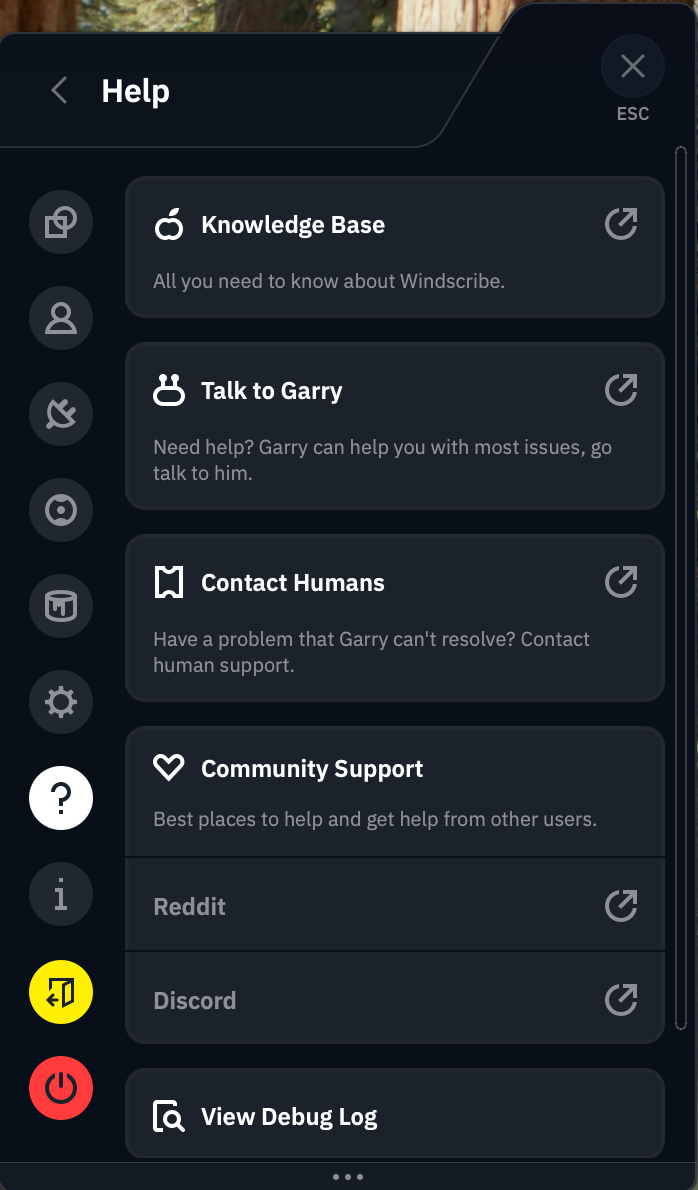 Most of these lead back to Garry.
Sam Chapman for Engadget
Most of these lead back to Garry.
Sam Chapman for Engadget
I started with the written FAQs. At the top of the knowledgebase, there's a row of buttons you can click to see only articles relating to a particular operating system. This is a good idea in theory, but it's not implemented very well — there's no visible tagging system, so we can't see how it's deciding which articles to filter.
The search bar is much more likely to get you where you need to go. It works instantaneously and always turns up relevant articles, though it's weirdly insistent on showing exactly 10 results. I have few complaints about articles themselves, which are written in a way any user should find useful (give or take yet more attempted humor).
I tested the chatbot, Garry, by asking it about the mysterious Advanced Parameters tab of the Windscribe app. It explained each feature on that tab (none of which should be touched except by users with technical knowledge) in a spiel that was clearly pre-written but nonetheless useful. Garry was launched in 2018, when IBM Watson was the biggest thing in AI, and recently revamped into "Garry 2.0" — whether this is based on OpenAI or another platform is anyone's guess at the moment.
Live supportWindscribe appears to handle all of its own support, without outsourcing to Zendesk or a similar third party. If you decide not to go through Garry, Windscribe does have the option of connecting directly to a human. However, the Contact Humans option on the app sends you directly back to Garry. It's eventually possible to get Garry to connect you to a real person, but that doesn't excuse Windscribe building an outright lie into its app.
The Contact Support button on the knowledgebase, which I expected to lead to a ticket submission, also sends you straight to Garry. Windscribe really, really wants you to use Garry, in case that wasn't clear. You might have a better time going straight to the Windscribe Discord server or the r/Windscribe subreddit, both of which are linked to in the app.
Windscribe background checkWindscribe eschews a lot of the things we've come to expect from a VPN provider. It doesn't pay for ads anywhere. It has no affiliate relationships with news sites. The only thing resembling a Windscribe ad campaign is the free-plan data reward for Xeeting about it. It doesn't even have any venture capital investors — it's completely self-funded and self-hosted.
As a jaded and cynical reviewer who was already annoyed by Windscribe's memelord attitude, I was prepared to sniff out any hypocrisy in its background, which makes it all the more impressive that I didn't find any. Since its founding in Canada in 2016, Windscribe has never once been involved in any public doings that contradict its statements of ethics. It's even given free unlimited VPN access to every journalist working in Ukraine.
The only thing I could find resembling a controversy was an incident in July 2021 when Ukrainian police confiscated two servers that weren't fully encrypted. Although this would only have posed a risk to users running a customized connection profile under very specific conditions, it was still a lapse. Windscribe responded appropriately in my view, ending the legacy OpenVPN implementation that caused the problem.
Canadian headquartersWindscribe is based in Canada, which is one of the Five Eyes nations (along with the U.S., the U.K., Australia and New Zealand). This sounds scary, but it's not actually an issue, as Yegor Sak himself points out in a blog post I reference frequently.
Five Eyes is not an organization, but an agreement between five allied countries to share necessary intelligence with each other. This can absolutely be misused. If the U.S. government wants to spy on someone without running into the 4th Amendment, it can ask the Brits to spy on that person instead and tell them what they find, knowing the Constitution can't determine what other countries do to our citizens.
As bad as that is for our civil liberties, it doesn't actually change anything where VPNs are concerned. If a VPN isn't logging user data, there shouldn't be anything for any of the Five Eyes (or Nine Eyes or Fourteen Eyes) nations to find. And if it is keeping logs, you shouldn't be using it no matter where its headquarters are.
Final verdictYou might wonder, at this point, why my distaste for Windscribe's tryhard sense of humor has featured so prominently in this review. One reason is that I had to read a lot of it this week, and you must suffer as I have suffered. But it also makes Windscribe look very good by implication. Having no patience for the discount-4chan act that pervades Windscribe's brand, I was primed to dislike the VPN itself — and I simply couldn't.
This is not to say I had no problems at all with Windscribe. Its physical servers in Russia are difficult to trust. Its help options lean way too heavily on Garry the chatbot. Its app design and UI writing are significant faults. The free plan doesn't give you enough data for streaming.
Having said all that, though, Windscribe does everything else right. It changes virtual locations and unblocks Netflix without breaking a sweat. Its servers keep latencies low, and download speeds remain solid across the world. The apps may look bad, but they never break down. Some features, like R.O.B.E.R.T. and Auto-Secure, are both useful to everybody and deeply customizable for power users.
Windscribe may be best for privacy nerds who know how all its doohickeys work, but it's a VPN I recommend for everybody. In a world of predatory software, it's a relief to use an app that's unabashedly on the customer's side.
This article originally appeared on Engadget at https://www.engadget.com/cybersecurity/vpn/windscribe-review-despite-the-annoyances-it-has-the-right-idea-120000837.html?src=rssIf vacuuming is your least favorite chore, employing a robot vacuum can save you time and stress while also making sure your home stays clean. While once most robo-vacs landed on the higher end of the price spectrum, that's not the case anymore. Sure, you could pick up a $1,000 cleaning behemoth with mopping features, but it would be incorrect to assume that you need to spend that much money to get a good machine.
Now, you can get an autonomous dirt-sucker with serious cleaning chops for $500 — sometimes even $300 or less. But you get what you pay for in this space; don't expect affordable robot vacuum cleaners to have all of the bells and whistles that premium machines do, like self-emptying capabilities or advanced dirt detection. After testing dozens of robot vacuums at various price points, I've narrowed down our top picks for the best budget robot vacuums you can buy right now.
Are robot vacuums worth it?
Since I've tested dozens of robot vacuums, I'm often asked if these gadgets are "worth it" and I'd say the answer is yes. The biggest thing they offer is convenience: just turn on a robot vacuum and walk away. The machine will take care of the rest. If vacuuming is one of your least favorite chores, or you just want to spend less time keeping your home tidy, semi-autonomous robotic vacuum is a great investment. Many models, albeit more expensive ones, even come with features like a self-empty station to further reduce maintenance.
There are plenty of other good things about them, but before we dive in let's consider the biggest trade-offs: less power, less capacity and less flexibility. Those first two go hand in hand; robot vacuum cleaners are much smaller than upright vacuums, which leads to less powerful suction. They also hold less dirt because their built-in bins are a fraction of the size of a standard vacuum canister or bag. Fortunately, some models include features like an auto-empty station, which helps with dirt capacity, especially in homes with pet hair.
When it comes to flexibility, robot vacuums do things differently than standard ones. You can control some with your smartphone, set cleaning schedules and more, but robo-vacs are primarily tasked with cleaning floors. On the flip side, their upright counterparts can come with various attachments that let you clean couches, stairs, light fixtures and other hard-to-reach places.
What to look for in a budget robot vacuumWhen looking for the best cheap robot vacuum, one of the first things you should consider is the types of floors you have in your home. Do you have mostly carpet, tile, laminate, hardwood? Carpets demand vacuums with strong suction power that can pick up debris pushed down into nooks and crannies. Unfortunately, there isn't a universal metric by which suction is measured. Some companies provide Pascal (Pa) levels and generally the higher the Pa, the stronger. But other companies don't rely on Pa levels and simply say their bots have X-times more suction power than other robot vacuums.
So how can you ensure you're getting the best cheap robot vacuum to clean your floor type? Read the product description. Look for details about its ability to clean hard floors and carpets, and see if it has a "max" mode you can use to increase suction. If you are given a Pa measurement, look for around 2000Pa if you have mostly carpeted floors. Pay attention to the brush roll mechanism as well, especially if you're dealing with dog hair or other stubborn debris that can cause tangles. Many budget models use bristle brushes, while others offer tangle-free designs to minimize maintenance.
You may find some budget robot vacuums also offer vacuum/mop combo capabilities. These bots feature a water tank, which means they can offer mopping functionality, enhancing debris pickup, and resulting in shiny floors. However, these are less common when you're shopping in the lower price range.
Size is also important for two reasons: clearance and dirt storage. Check the specs for the robot's height to see if it can get underneath the furniture you have in your home. Most robo-vacs won't be able to clean under a couch (unless it's a very tall, very strange couch), but some can get under entryway tables, nightstands and the like. As for dirt storage, look out for the milliliter capacity of the robot's dustbin — the bigger the capacity, the more dirt the vacuum cleaner can collect before you have to empty it.
You should also double check the Wi-Fi capabilities of the robo-vac you're eyeing. While you may think that's a given on all smart home devices, it's not. Some of the most affordable models don't have the option to connect to your home Wi-Fi network. If you choose a robot vac like this, you won't be able to direct it with a smartphone app or with voice controls. Another feature that's typically reserved for Wi-Fi-connected robots is scheduling because most of them use a mobile app to set cleaning schedules.
But Wi-Fi-incapable vacuums usually come with remote controls that have all the basic functions that companion mobile apps do, including start, stop and return to dock. And if you're concerned about the possibility of hacking, a robot vac with no access to your Wi-Fi network is the best option.
Obstacle detection and cliff sensors are other key features to look out for. The former helps the robot vacuum navigate around furniture while it cleans, rather than mindlessly pushing its way into it. Many also offer no-go zones, letting you block off areas you don't want the robot to enter. Meanwhile, cliff sensors prevent robot vacuums from tumbling down the stairs, making them the best vacuum for multi-level homes.
How we test robot vacuumsWhen we consider which robot vacuums to test, we look at each machine's specs and feature list, as well as online reviews to get a general idea of its capabilities. With each robot vacuum we review, we set it up as per the instructions and use it for as long as possible — at minimum, we'll use each for one week, running cleaning cycles daily. We make sure to try out any physical buttons the machine has on it, and any app-power features like scheduling, robot mapping and more.
Since we test robot vacuums in our own homes, there are obstacles already in the machine's way like tables, chairs and other furniture — this helps us understand how capable the machine is at avoiding obstacles, and we'll intentionally throw smaller items in their way like shoes, pet toys and more. With robot vacuums that include self-emptying bases, we assess how loud the machine is while emptying contents into the base and roughly how long it takes for us to fill up the bag (or bagless) base with debris.
Robot vacuum maintenance tipsFirst and foremost, always empty your robot vacuum's dustbin after every cleaning job, or use a self-empty station if the model supports it. Simply detach and empty the dustbin as soon as the robot is done cleaning, and then reattach it so it's ready to go for the next time. It's also a good idea to take a dry cloth to the inside of the dustbin every once in a while to remove any small dust and dirt particles clinging to its insides.
In addition, you'll want to regularly examine the machine's brushes to see if any human or pet hair has wrapped around them, or if any large debris is preventing them from working properly. Some brushes are better than others at not succumbing to tangled hair, but it's a good idea to check your robot's brushes regardless — both their main brush and any smaller, side brushes or corner brushes they have. These parts are often easy to pop off of the machine (because they do require replacements eventually) so we recommend removing each brush entirely, getting rid of any tangles or other debris attached to them and reinstalling them afterwards. If you have a robot vacuum with mopping capabilities, you'll need to wash the bots' mop pads too, to avoid any unpleasant smells or tracking mess around your home. Similarly, if your robot vacuum has a water tank, it's worth washing this out regularly to keep it clean.
Robot vacuums also have filters that need replacing every couple of months. Check your machine's user manual or the manufacturer's website to see how long they recommend going in between filter replacements. Most of the time, these filters cannot be washed, so you will need to buy new ones either directly from the manufacturer or from other retailers like Amazon or Walmart.
Budget robot vacuum FAQs Are budget robot vacuums good for pet hair?Yes, budget robot vacuums can be good for pet hair. Just keep in mind they generally tend to have lower suction power and smaller dustbins than more expensive (and larger) robot vacuums. If pet hair is your biggest concern, we recommend getting as expensive of a robot vacuum as your budget allows, or consider investing in a cordless vacuum since those tend to be more powerful overall.
How long do budget robot vacuums last per charge?Budget robot vacuums typically last 40-60 minutes per charge, and the best ones will automatically return to their charging dock when they need more power.
Do budget robot vacuums work on carpets and hardwood floors?Yes, budget robot vacuums work on both carpets and hardwood floors.
Which budget robot vacuums have mapping features?Home mapping features are typically exclusive to more expensive robot vacuums. Check the product description of any robot vacuum you're thinking of buying and look for "smart mapping" or "smart home mapping" in the feature list if you want a device that supports it.
Check out more from our spring cleaning guide.
This article originally appeared on Engadget at https://www.engadget.com/home/smart-home/best-budget-robot-vacuums-133030847.html?src=rssMeta has faced some serious questions about how it allows its underage users to interact with AI-powered chatbots. Most recently, internal communications obtained by the New Mexico Attorney General's Office revealed that although Meta CEO Mark Zuckerberg was opposed to the chatbots having "explicit" conversations with minors, he also rejected the idea of placing parental controls on the feature.
Reuters reported that in an exchange between two unnamed Meta employees, one wrote that we "pushed hard for parental controls to turn GenAI off - but GenAI leadership pushed back stating Mark decision." In its statement to the publication, Meta accused the New Mexico Attorney General of "cherry picking documents to paint a flawed and inaccurate picture." New Mexico is suing Meta on charges that the company "failed to stem the tide of damaging sexual material and sexual propositions delivered to children;" the case is scheduled to go to trial in February.
Despite only being available for a brief time, Meta's chatbots have already accumulated quite a history of behavior that veers into offensive if not outright illegal. In April 2025, The Wall Street Journal released an investigation that found Meta's chatbots could engage in fantasy sex conversations with minors, or could be directed to mimic a minor and engage in sexual conversation. The report claimed that Zuckerberg had wanted looser guards implemented around Meta's chatbots, but a spokesperson denied that the company had overlooked protections for children and teens.
Internal review documents revealed in August 2025 detailed several hypothetical situations of what chatbot behaviors would be permitted, and the lines between sensual and sexual seemed pretty hazy. The document also permitted the chatbots to argue racist concepts. At the time, a representative told Engadget that the offending passages were hypotheticals rather than actual policy, which doesn't really seem like much of an improvement, and that they were removed from the document.
Despite the multiple instances of questionable use of the chatbots, Meta only decided to suspend teen accounts' access to them last week. The company said it is temporarily removing access while it develops the parental controls that Zuckerberg had allegedly rejected using.
"Parents have long been able to see if their teens have been chatting with AIs on Instagram, and in October we announced our plans to go further, building new tools to give parents more control over their teens' experiences with AI characters," a representative from Meta said. "Last week we once again reinforced our commitment to delivering on our promise of parental controls for AI, pausing teen access to AI characters completely until the updated version is ready."
New Mexico filed this lawsuit against Meta in December 2023 on claims that the company's platforms failed to protect minors from harassment by adults. Internal documents revealed early on in that complaint revealed that 100,000 child users were harassed daily on Meta's services.
Update, January 27, 2025, 6:52PM ET: Added statement from Meta spokesperson.
Update, January 27, 2025, 6:15PM ET: Corrected misstated timeline of the New Mexico lawsuit, which was filed in December 2023, not December 2024.
This article originally appeared on Engadget at https://www.engadget.com/social-media/mark-zuckerberg-was-initially-opposed-to-parental-controls-for-ai-chatbots-according-to-legal-filing-230110214.html?src=rssMeta has started blocking links to ICE List, a website that compiles information about incidents involving Immigrations and Customs Enforcement (ICE) and Border Patrol agents, and lists thousands of their employees' names. It seems that the latter detail is what caused Meta to take action in a move that was first reported by Wired.
ICE List is a crowdsourced Wiki that describes itself as "an independently maintained public documentation project focused on immigration-enforcement activity" in the US. "Its purpose is to record, organize, and preserve verifiable information about enforcement actions, agents, facilities, vehicles, and related incidents that would otherwise remain fragmented, difficult to access, or undocumented," its website states.
Along with notable incidents, the website also lists the names of individual agents associated with ICE, CBP and other DHS agencies. According to Wired, the website's creators said much of that information had come from a "leak," though it appears to be based largely on public LinkedIn profiles. As Wired notes:
The site went viral earlier this month when it claimed to have uploaded a leaked list of 4,500 DHS employees to its site, but a WIRED analysis found that the list relied heavily on information the employees shared publicly about themselves on sites such as LinkedIn.
Links to ICE List have been spreading widely for several weeks, including on Meta's platforms. There are numerous links to the website on Threads, some of which go back several weeks. Now though, clicking on previously-shared links instead results in a message that the link can't be opened. Users who try to share new links on Threads or Facebook also see error messages. "Posts that look like spam according to our Community Guidelines are blocked on Facebook and can't be edited," the notice says.
When reached for comment, a Meta spokesperson pointed to the company's privacy policy barring the disclosure of personally identifiable information (PII). The company didn't address why it chose to start blocking the website after several weeks, or whether it considers public LinkedIn profiles to be in violation of its rules against doxxing.
It is, however, not the first time Meta has opted to remove users' posts tracking information about ICE actions. The social network previously took down a Facebook group that tracked ICE sightings in Chicago after pressure from the Justice Department.
Have a tip for Karissa? You can reach her by email, on X, Bluesky, Threads, or send a message to @karissabe.51 to chat confidentially on Signal.
This article originally appeared on Engadget at https://www.engadget.com/social-media/meta-blocks-links-to-ice-list-a-wiki-that-names-agents-231410653.html?src=rssAdobe Photoshop introduced some new features that are rolling out for creators today. As you'd expect from any service operator in this day and age, there's some AI involved. Adobe has improved the tools for Generative Fill, Generative Expand and Remove that are powered by its Firefly generative AI platform. Using these tools for image editing should now produce results in 2K resolution with fewer artifacts and increased detail all while delivering better matches for the provided prompts. The Reference Image option for Generative Fill has also been upgraded to deliver "geometry-aware results that better match the scene."
One of the other new updates is a beta version of Dynamic Text, which should allow simpler transformation of a text layer into a curved shape. Photoshop has also added new adjustment layers: Clarity, Dehaze and Grain. These allow non-destructive image editing on layers.
This article originally appeared on Engadget at https://www.engadget.com/apps/adobe-photoshop-upgrades-its-firefly-powered-generative-ai-editing-tools-213737915.html?src=rssHere's a use of AI that appears to do more good than harm. A pair of astronomers at the European Space Agency (ESA) developed a neural network that searches through space images for anomalies. The results were far beyond what human experts could have done. In two and a half days, it sifted through nearly 100 million image cutouts, discovering 1,400 anomalous objects.
The creators of the AI model, David O'Ryan and Pablo Gómez, call it AnomalyMatch. The pair trained it on (and applied it to) the Hubble Legacy Archive, which houses tens of thousands of datasets from Hubble's 35-year history. "While trained scientists excel at spotting cosmic anomalies, there's simply too much Hubble data for experts to sort through at the necessary level of fine detail by hand," the ESA wrote in its press release.
After less than three days of scanning, AnomalyMatch returned a list of likely anomalies. It still requires human eyes at the end: Gómez and O'Ryan reviewed the candidates to confirm which were truly abnormal. Among the 1,400 anomalous objects the pair confirmed, more than 800 were previously undocumented.
Most of the results showed galaxies merging or interacting, which can lead to odd shapes or long tails of stars and gas. Others were gravitational lenses. (That's where the gravity of a foreground galaxy bends spacetime so that the light from a background galaxy is warped into a circle or arc.) Other discoveries included planet-forming disks viewed edge-on, galaxies with huge clumps of stars and jellyfish galaxies. Adding a bit of mystery, there were even "several dozen objects that defied classification altogether."
"This is a fantastic use of AI to maximize the scientific output of the Hubble archive," Gómez is quoted as saying in the ESA's announcement. "Finding so many anomalous objects in Hubble data, where you might expect many to have already been found, is a great result. It also shows how useful this tool will be for other large datasets."
This article originally appeared on Engadget at https://www.engadget.com/ai/astronomers-discover-over-800-cosmic-anomalies-using-a-new-ai-tool-205135155.html?src=rssWireless audio has become the industry standard, but there are still options out there for people who prefer a wired connection. Two new choices joining the market come from Sennheiser, which has released the CX 80U wired earbuds and HD 400U wired over-ear headphones. These new takes on the company's previous models for wired listening have replaced the 3.5mm audio jack connector with a USB-C cable. Both sets support 24-bit, 96 kHz digital audio playback. They're compatible with a broad array of devices, including iOS, iPadOS, Android, ChromeOS, MacOS, Windows and SteamOS.
Both of these items are priced at an entry level for a brand that might charge up to $500 for its higher-end headphones. The CX 80U earbuds cost $40 and the HD 400U headphones retail for $100. Both products are available starting today.
This article originally appeared on Engadget at https://www.engadget.com/audio/headphones/sennheiser-debuts-new-models-of-wired-headphones-and-earbuds-201245058.html?src=rss

